Classic.
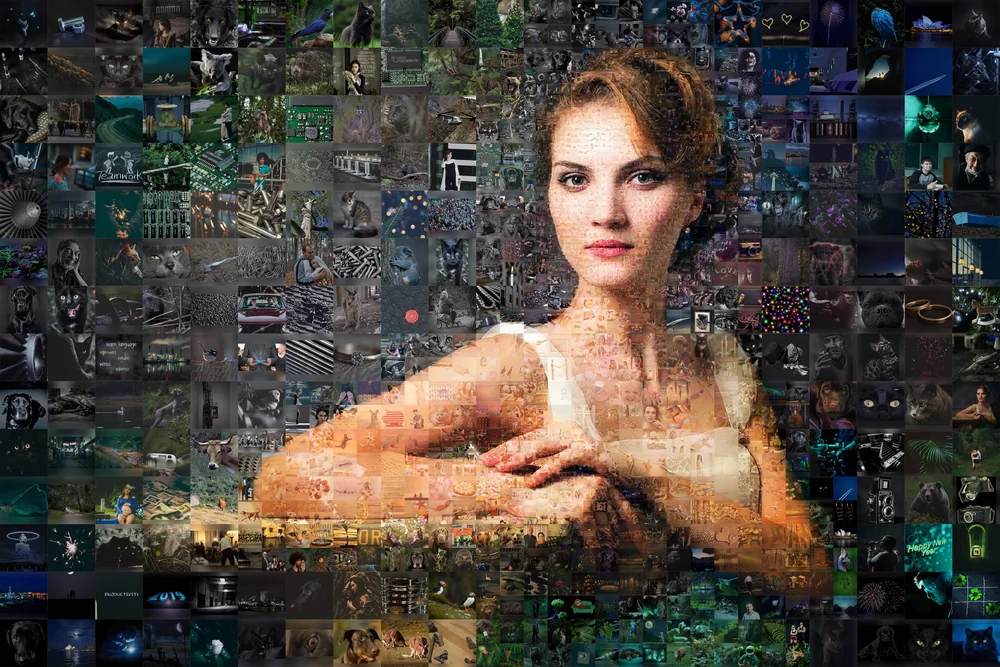
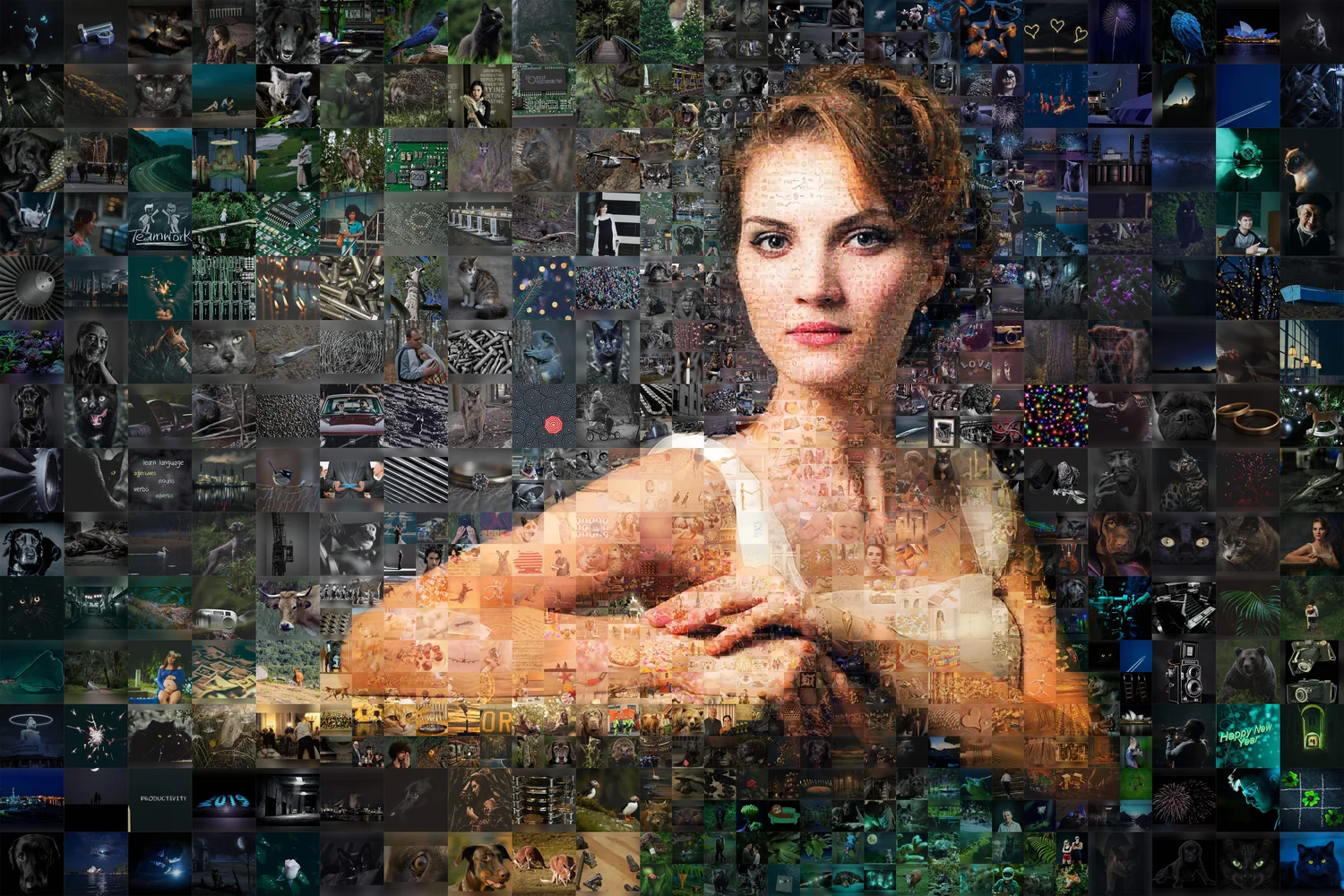
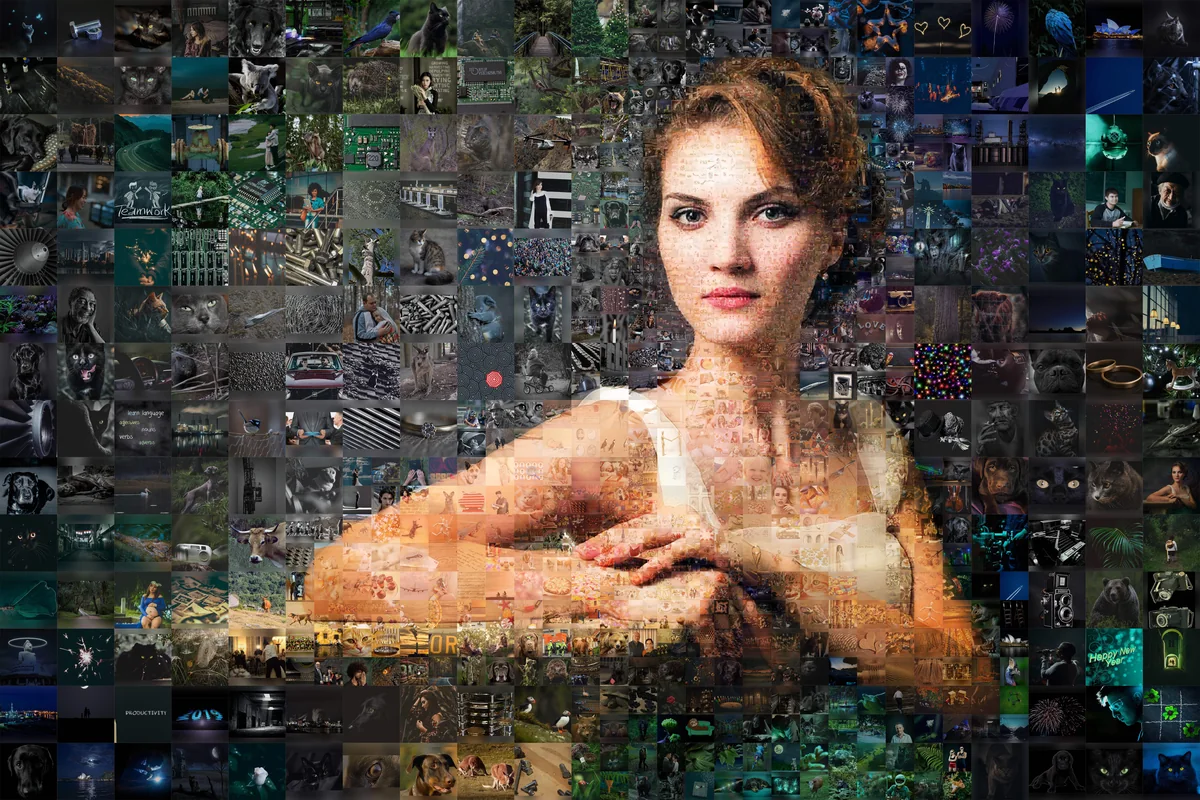
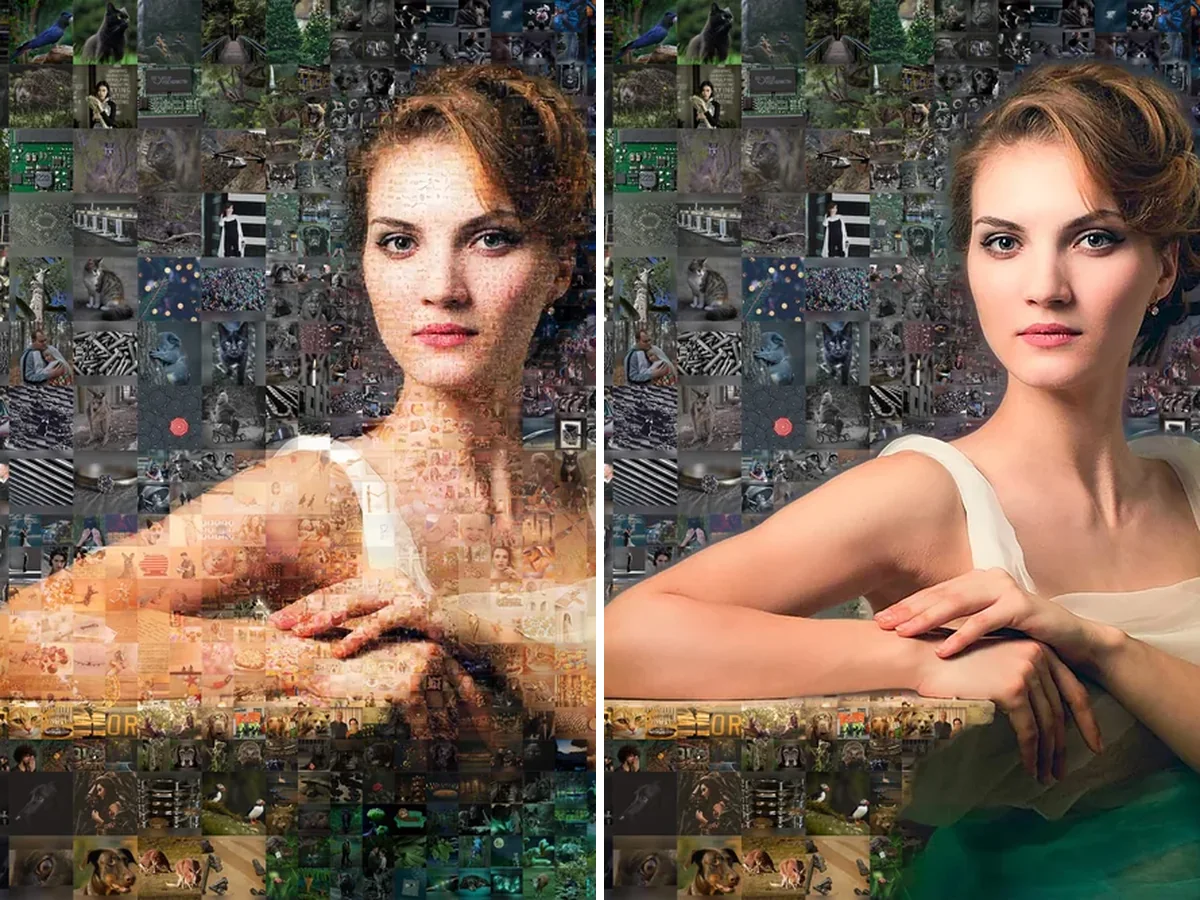
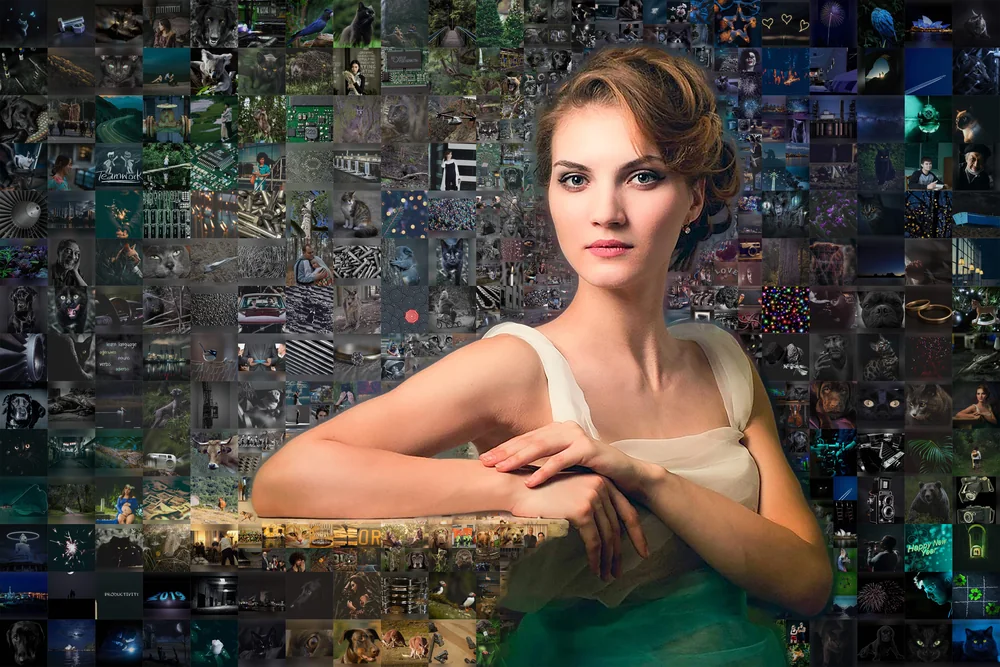
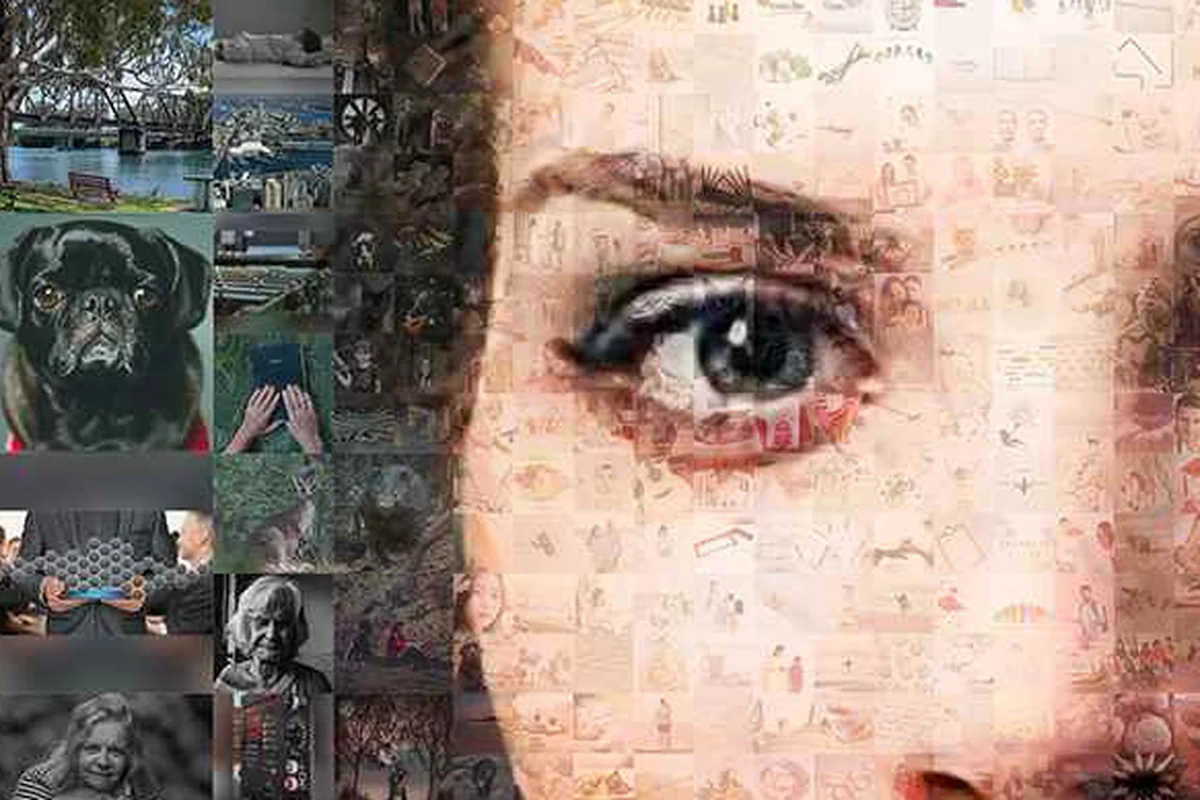
The whole picture is mosaic, face included. At a glance it's a portrait; lean in and it's photos everywhere. This is the one at the top of the page.

Upload a main photo, the picture your mosaic will form, and a few hundred of your photos. From across the room it's your photo. Up close it's all your photos, and nothing is generated. Free preview before you pay.
Make a photo mosaic — free preview
Free preview with a watermark · HD file without the watermark for one credit ($9.95, one download) · pricing on the home page
Three things you can check with your own eyes in the viewer above.
No photo repeats until every one of yours has been used. We place each of your photos once before we repeat any of them. The simple way to build a mosaic is to take the closest color at every spot, and then a blue patch of sky gets the same blue photo again and again, however many photos you uploaded. Our order is different: every photo you uploaded goes in once, and only then, if spots are still empty, do we go back through your set for a second round, each repeat going where its colors fit. Upload more photos than there are spots, and there are no repeats at all.
Repeats are kept apart. When a photo does have to appear twice, the software keeps the two copies away from each other. And if you shot ten near-identical photos of the same cake, one click on the upload page finds them and keeps one of each. One click undoes it.
Nothing is invented. Every piece is one of your real photos, cropped to fit. No tile is drawn, filled in or generated.
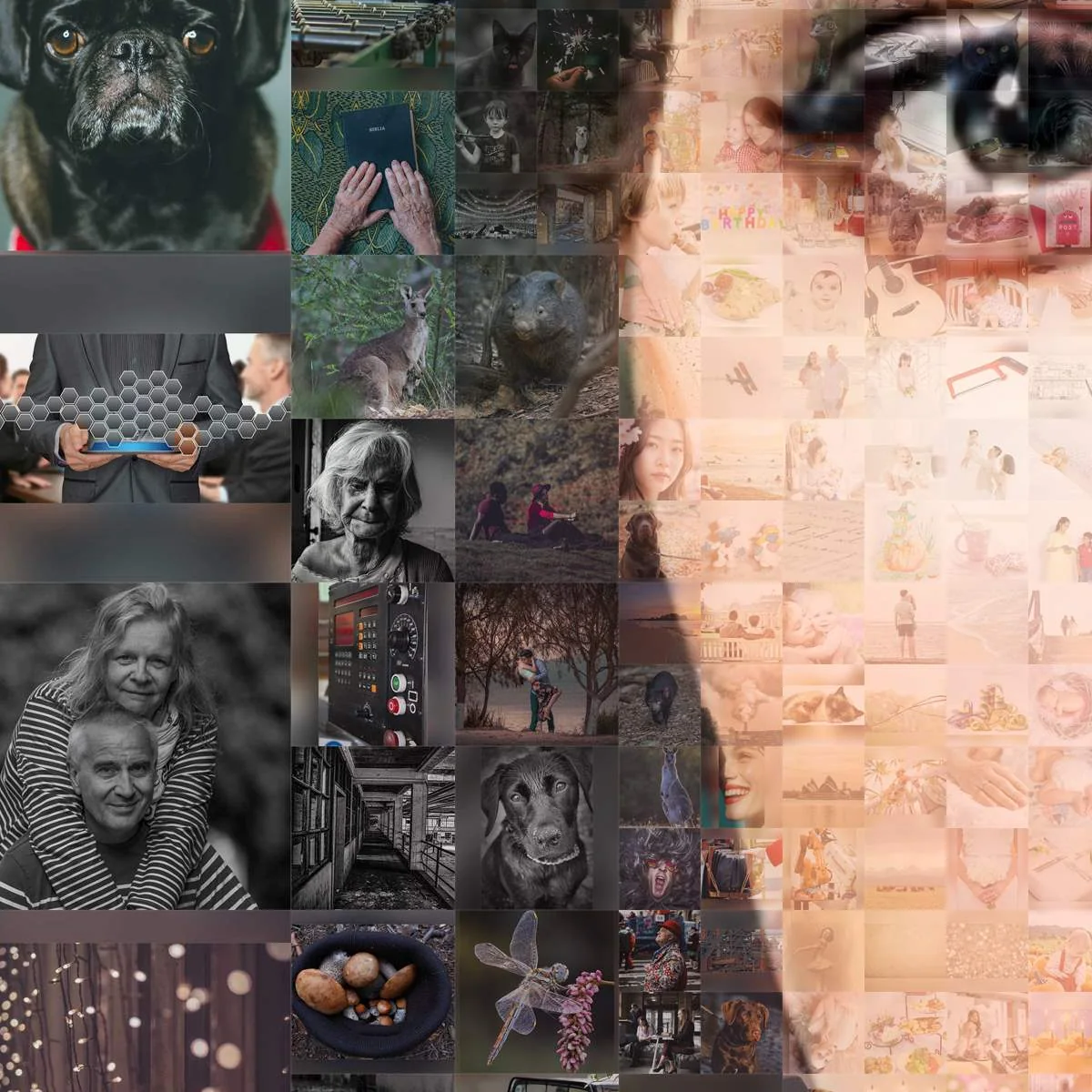
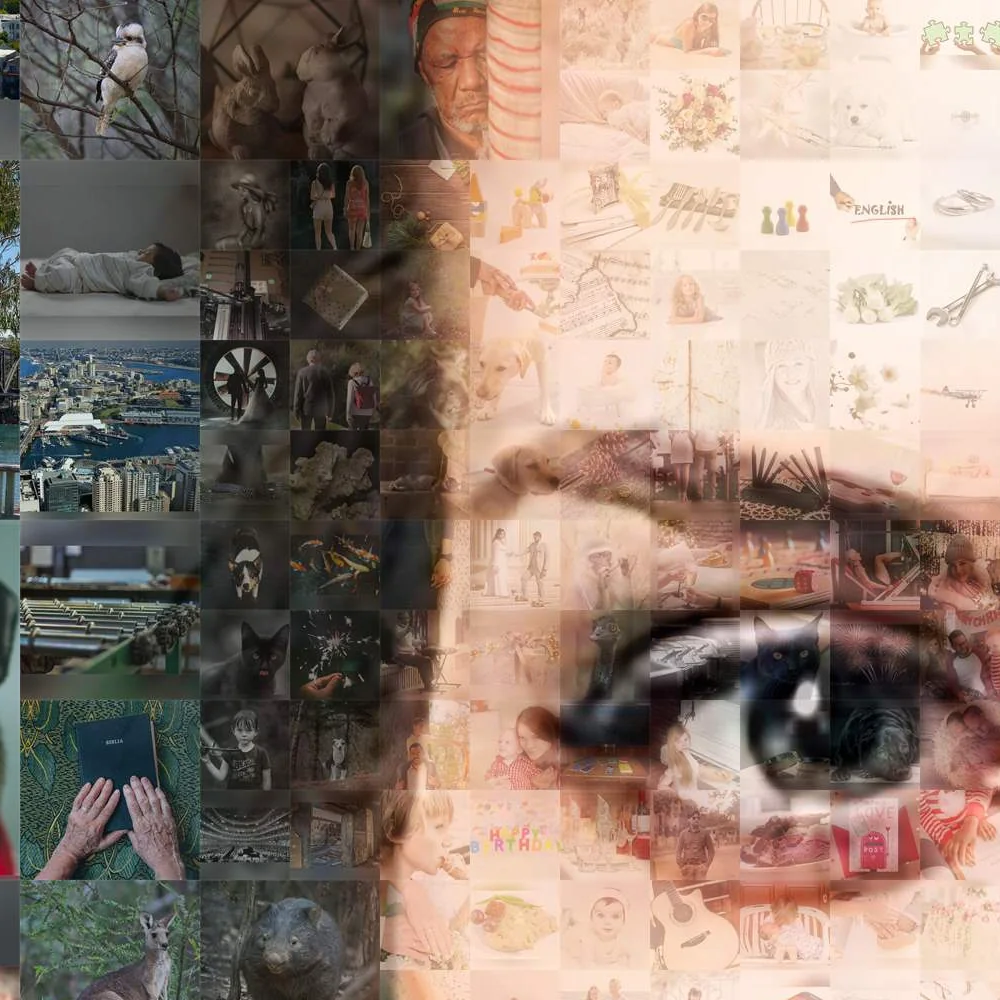
Most of your pictures aren't square and most tiles are, so something has to go. Crop blindly from the center and you lose foreheads, the top of a wedding dress, the dog's ears.
Before any photo is cropped to fit a tile, the software looks for faces in it and keeps them in the frame, whether the photo is vertical or horizontal. The aim: no heads cut off at the hairline, no one sliced in half for standing at the edge of the frame. The main face, the one the whole picture forms, is built so it reads clearly from the far end of the room.
It can miss a face (a profile, a small one at the back of a group, a dog), so you're not locked in to what the software chose: on the upload page you can check every crop and move it by hand (adjust the crop at step 2).
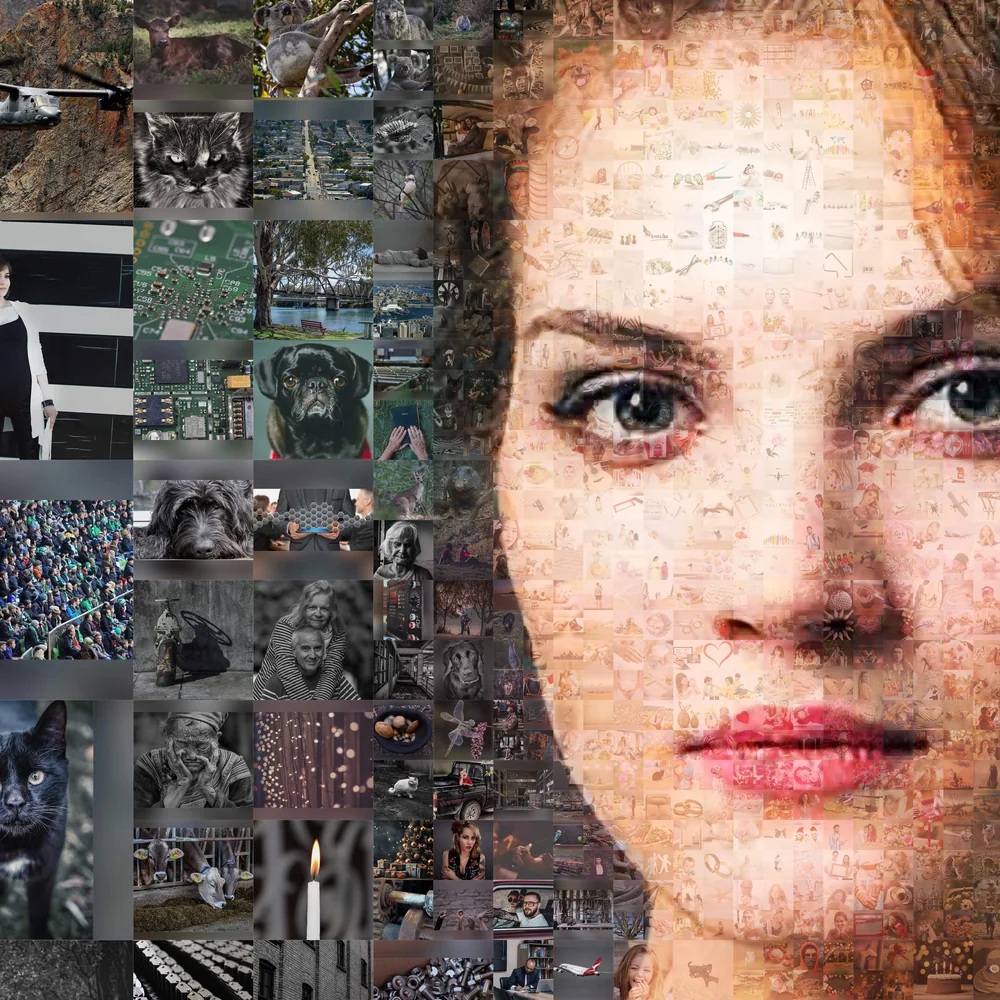
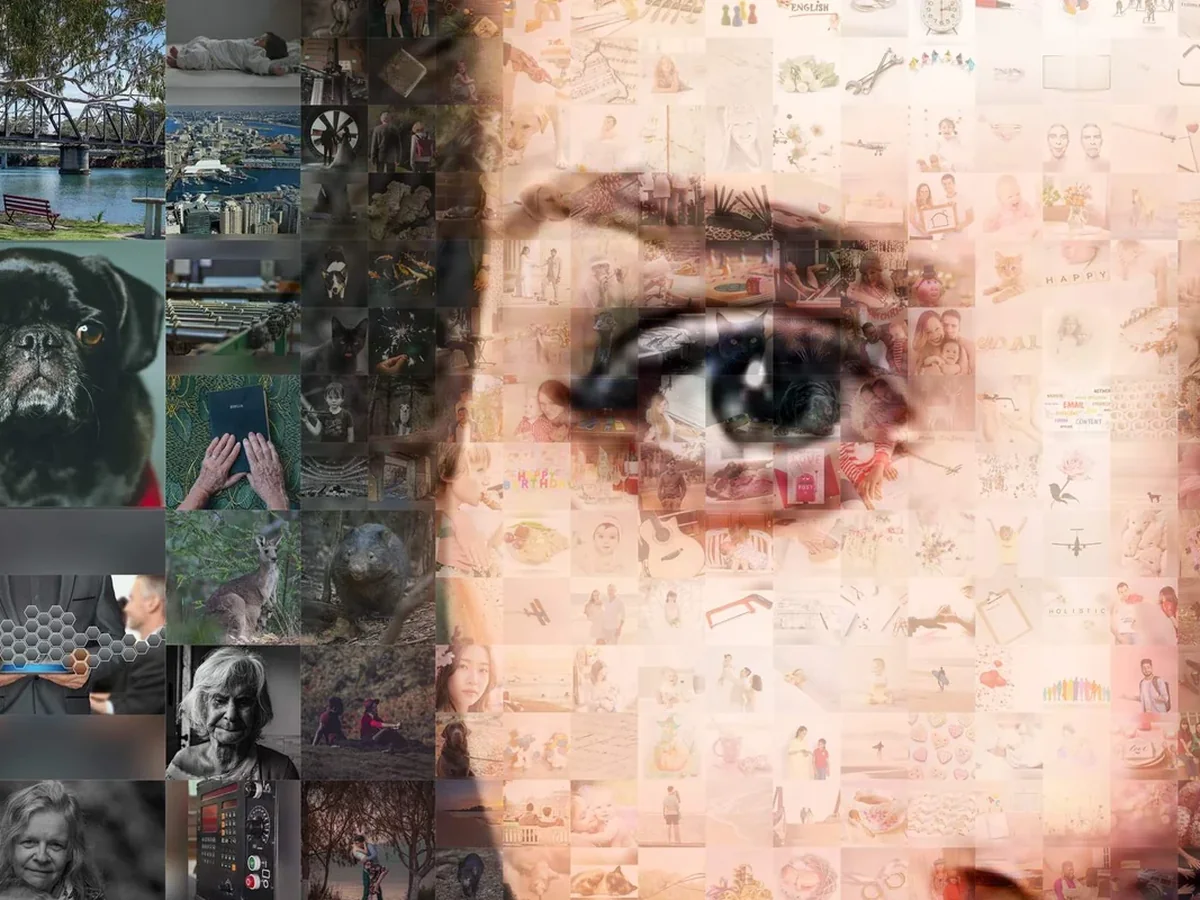
Look at the top of the page again. The background and the jacket are made of big photos you can read from a meter away. The eyes and the mouth are made of small ones. The software decides that.
Open areas of the main photo don't carry much detail, so they can hold bigger photos and lose nothing. The face carries all the detail, so it gets finer pieces. Prefer an even grid? Choose same-size tiles.
Stars. On the upload page you can mark favorites with a star, and a starred photo comes out larger. A customer once wrote that she thought the stars meant "included", not "more important". Stars mean "larger", and "first in line". If you have fewer photos than spots, every one of them is in the picture, starred or not; with more photos than spots, the starred ones go in first.
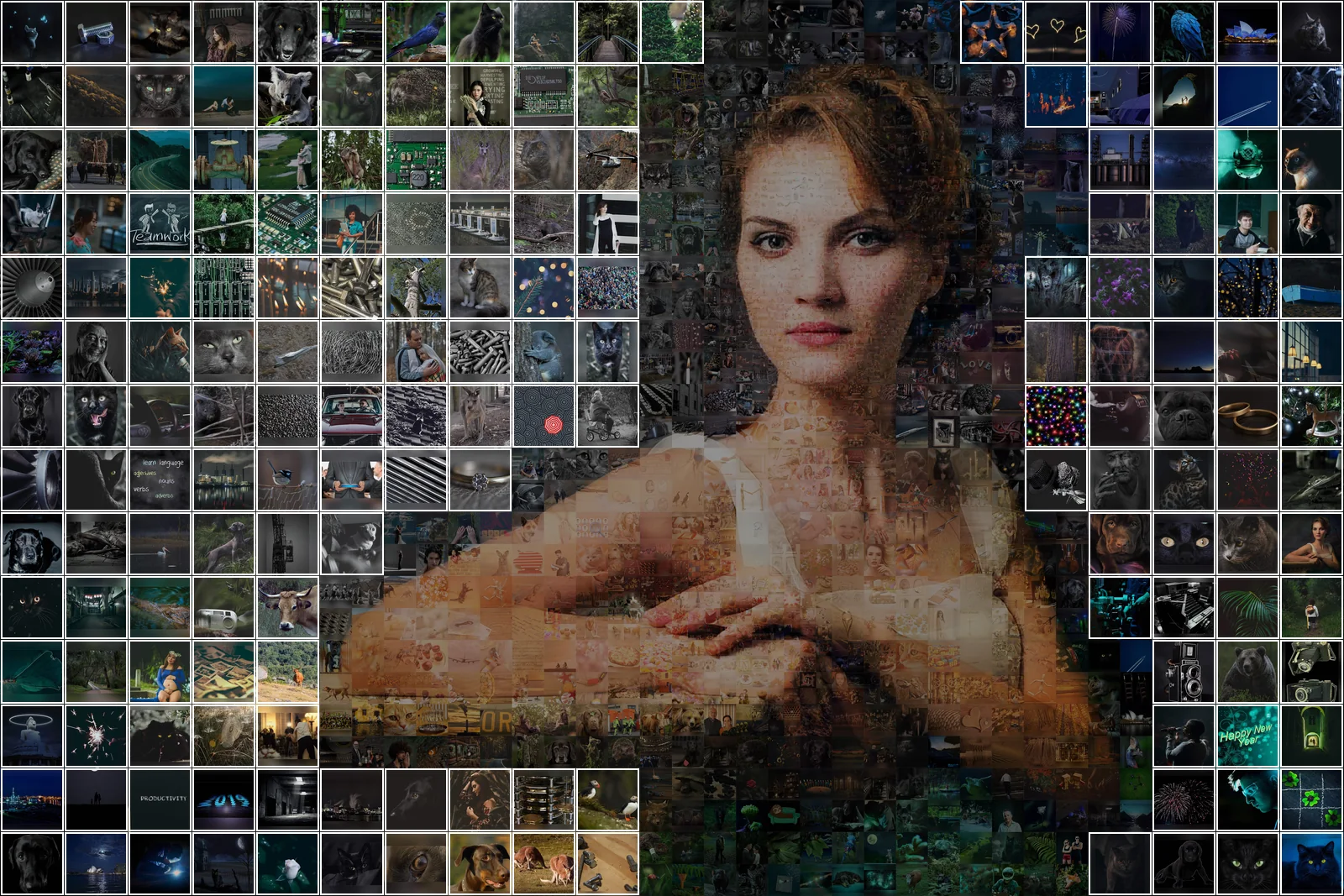
Four steps, and the choice that matters at each one.
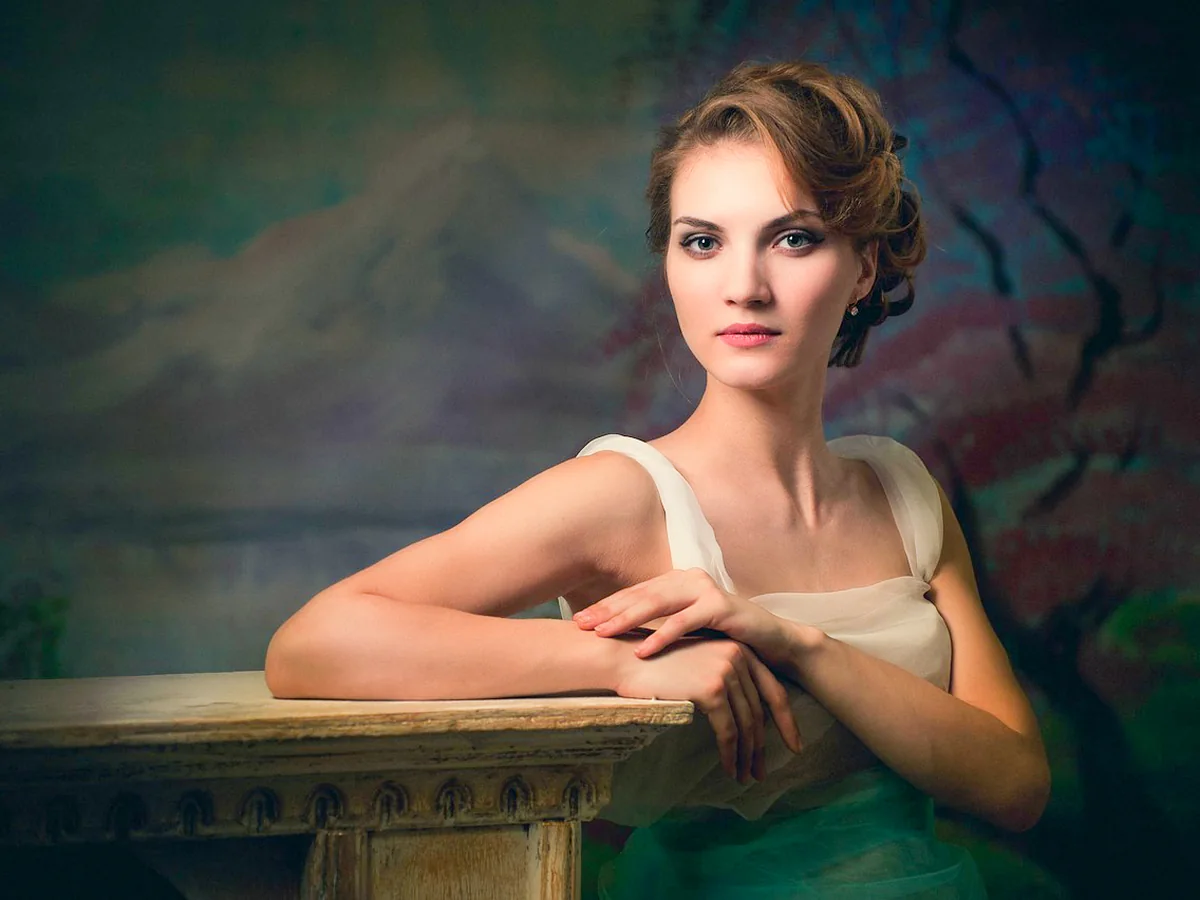
It's a trade-off, and it's easier to show than to explain.
People want three things from a photo mosaic: to get by with few photos, to see no repeats, and to have every tile match the color of its spot. You can have any two.
Few photos and no repeats: the colors drift, because there isn't a photo for every shade. Few photos and exact color: the same photos come back wherever the color calls for them. And if you want no repeats and exact color, you need a lot of photos, a few hundred at least. Where all three nearly meet sits color adjustment, shown in the next section.
Now the numbers. Thirty photos is the minimum we ask for. Fifty works: one customer wrote that her sister worried she didn't have enough pictures of her dogs for a portrait, and was relieved to hear she could start with 50. From a few hundred the picture comes into its own: fewer repeats, truer tones, a face that holds up at every zoom.
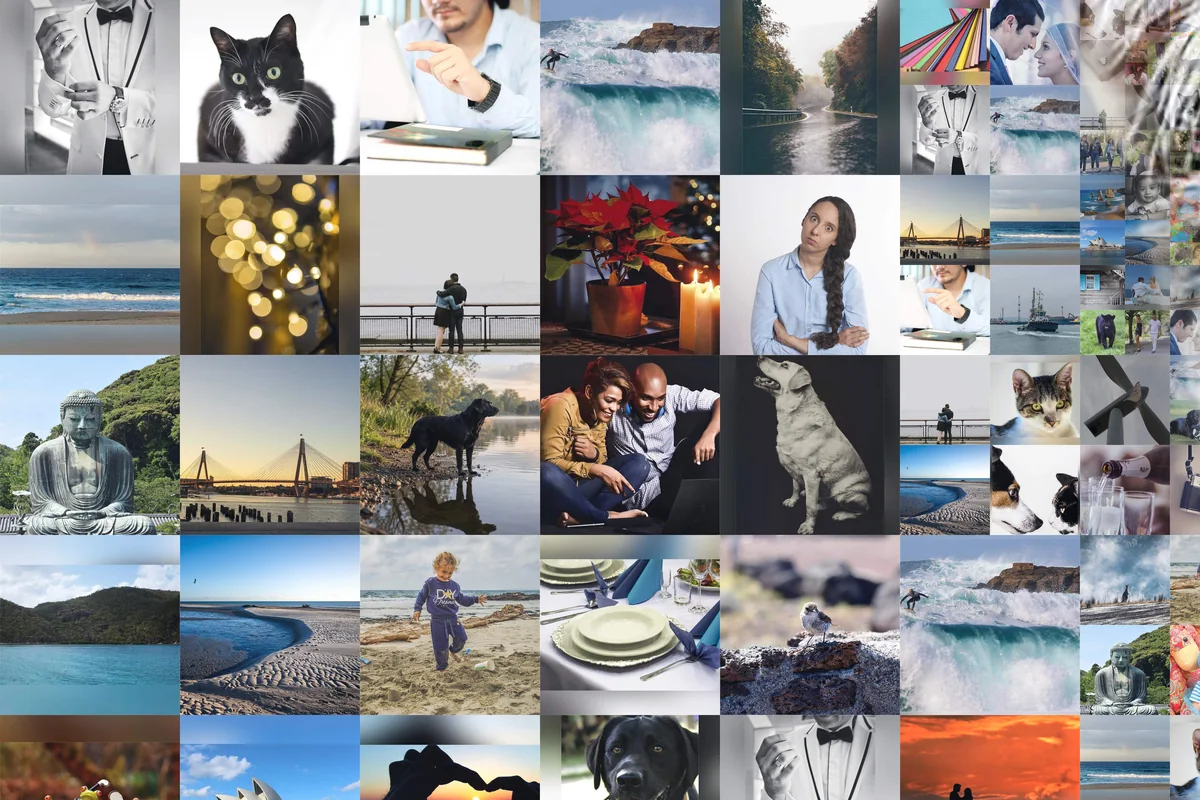
Two pairs below. The same cat, same crop: 100 photos against our whole demo library. Then the same portrait from 1,000 photos, built two ways with our own settings: the default, each photo once before any repeat, and closest color first, with repeats kept a few tiles apart. The second looks a shade more exact in color. Look closer and the same photo turns up twice within a hand's width.
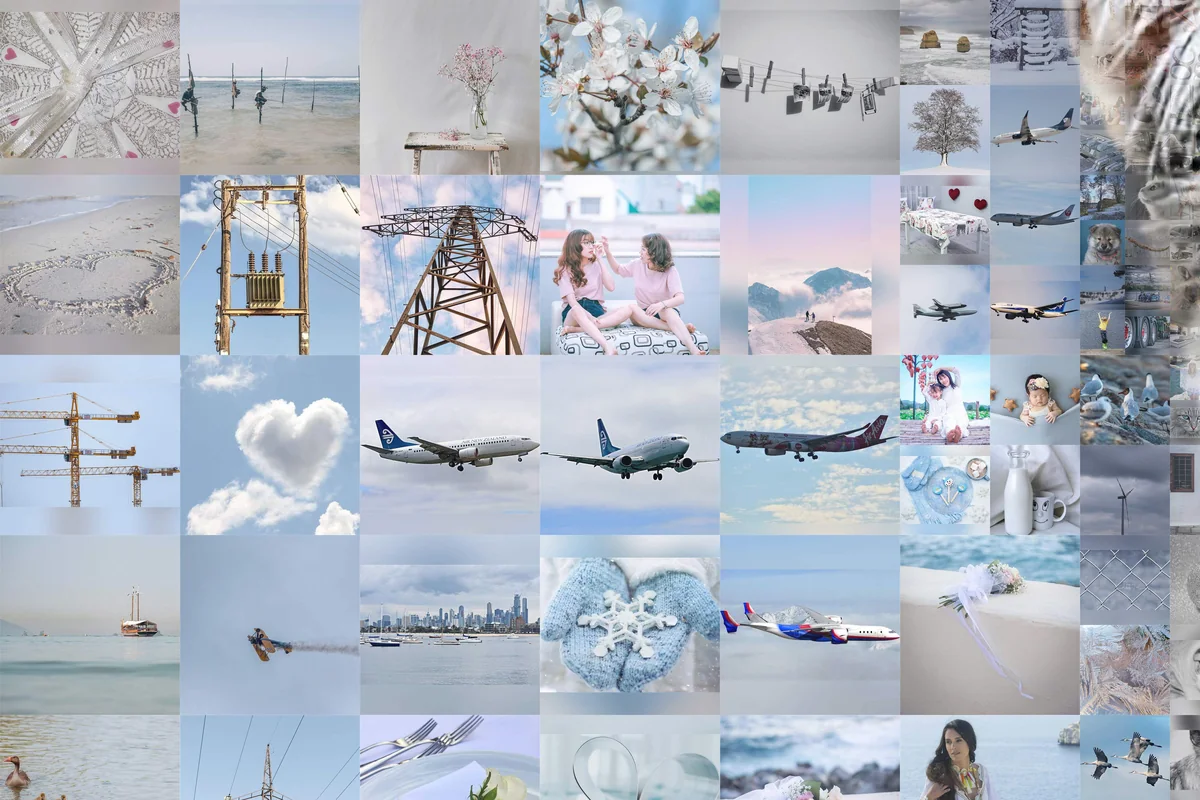
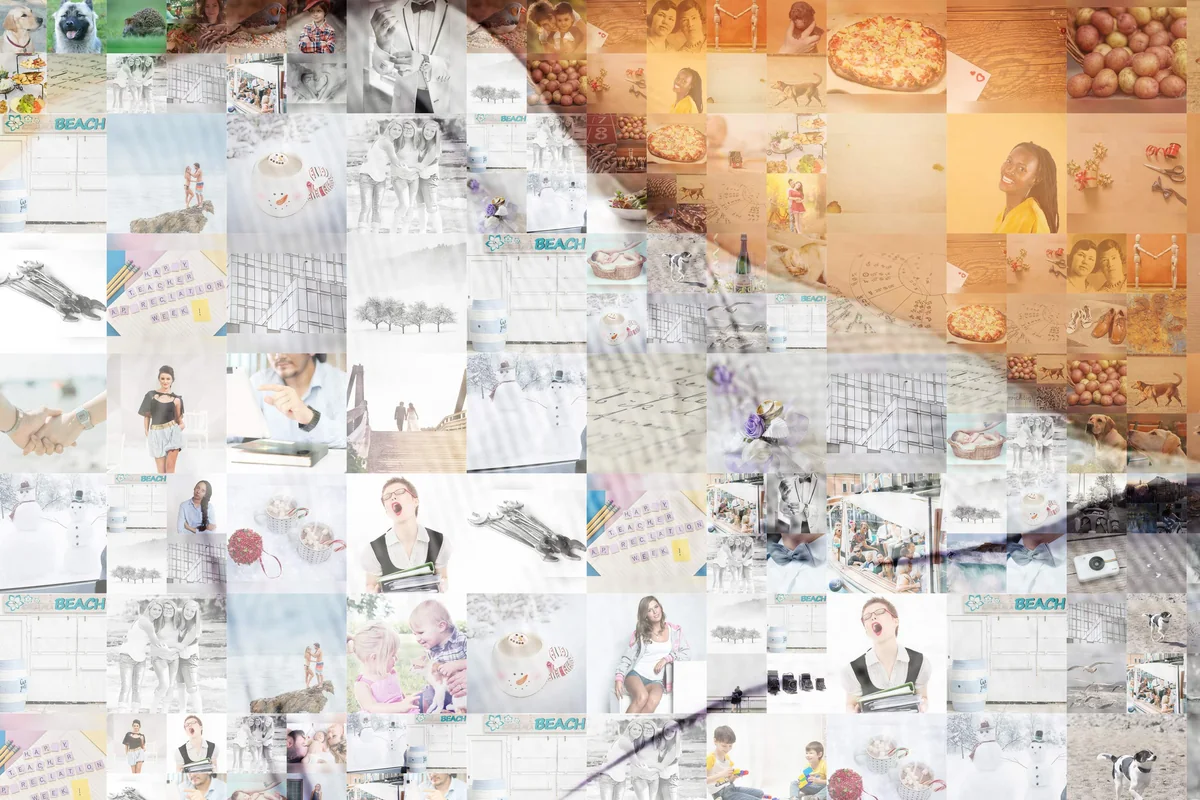
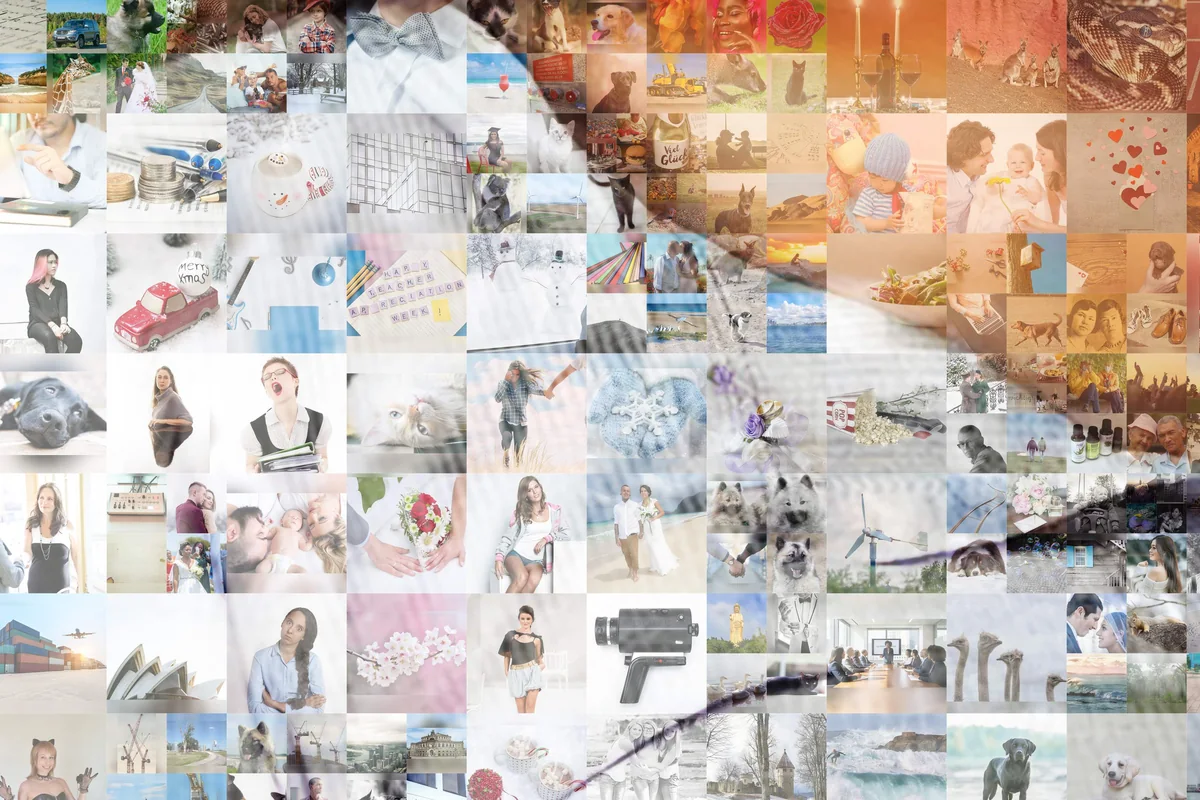
Each photo goes where its own colors fit. That's the first rule, and adjustment never overrides it. What adjustment does is lift the tones your set doesn't have: if none of your 80 photos is quite the color of a cheek, the one that lands there gets nudged toward it. If you'd like it lighter, or off, write to us and we'll rebuild it.
Some people call any tint cheating. We'd rather show it. Below is the same mosaic twice, same photos in the same spots: once with adjustment at our usual setting, once with none. Without it, the face is patchy: every tile is exactly itself, and the skin tones jump. With it, the face holds together from a few steps back, and every tile is still your photo. Fewer photos means more work for the adjustment. That's the two out of three again.
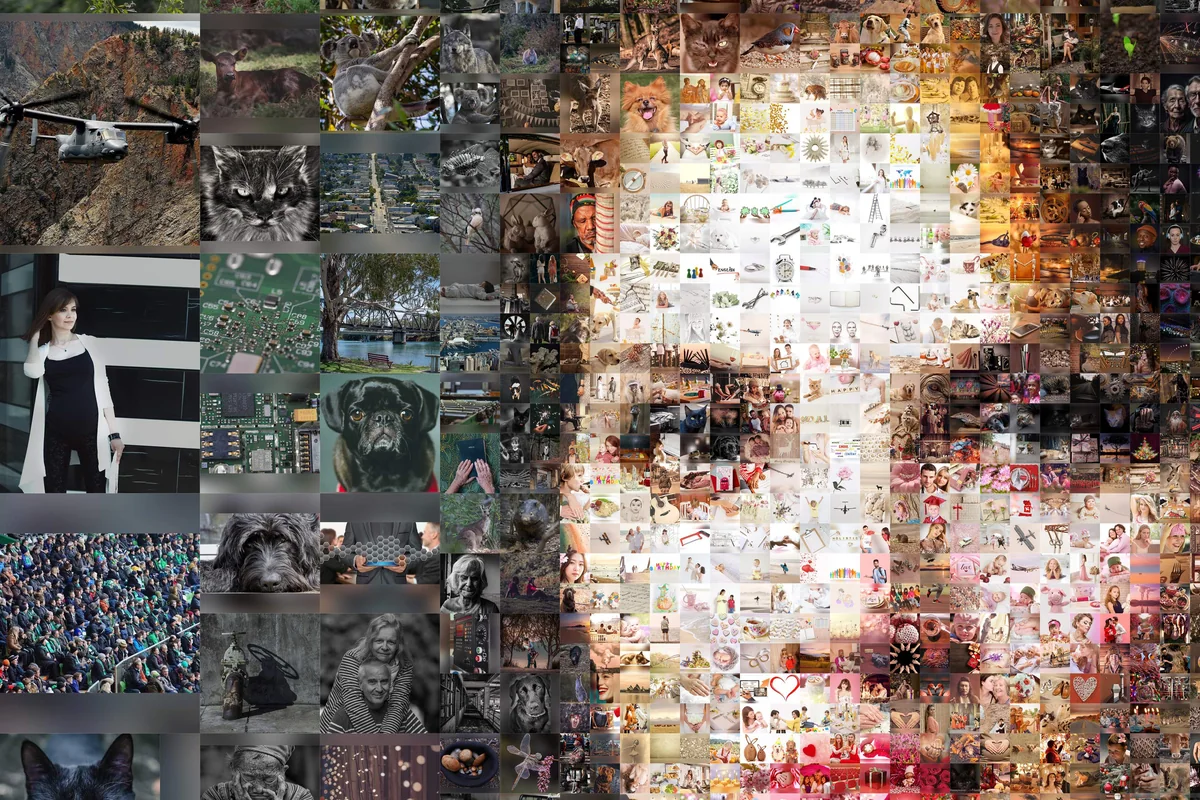
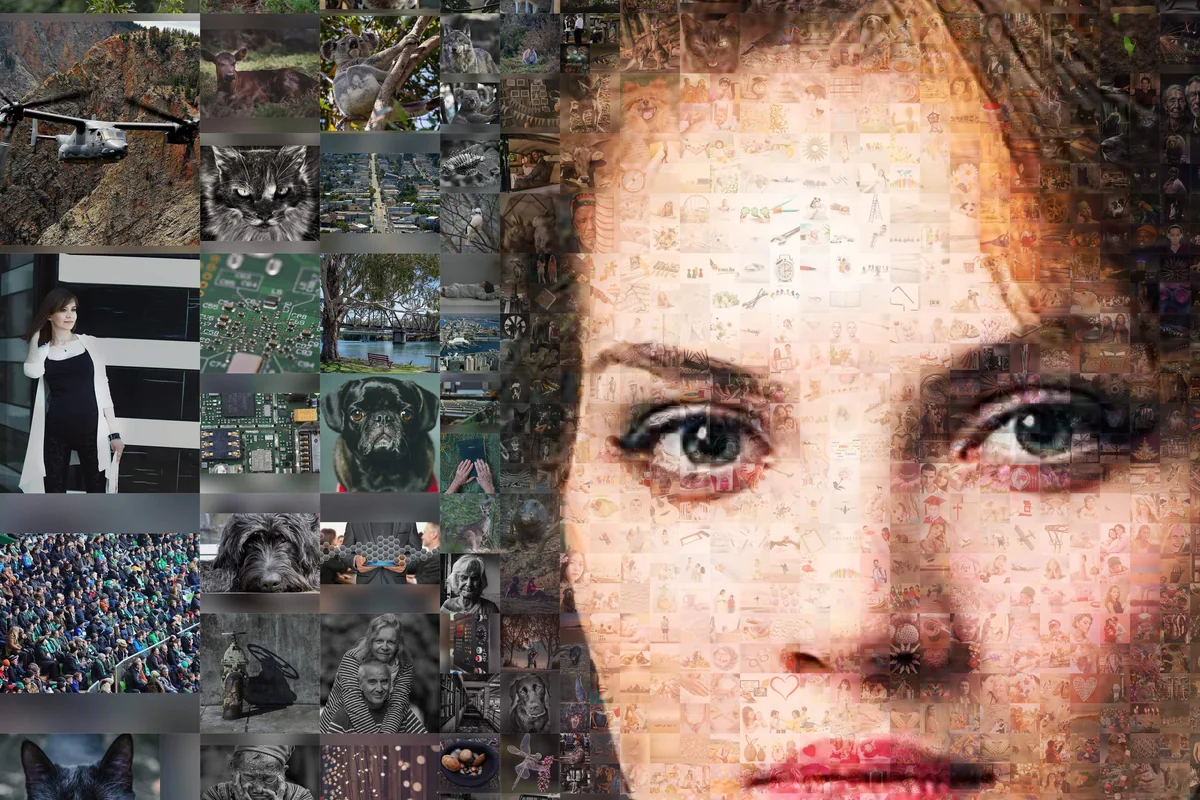
One upload, several finished pictures to choose from, all in the free preview. Classic and same-size tiles come with nearly every upload; for many portraits there's also a version with the face left as a clean photograph.
The whole picture is mosaic, face included. At a glance it's a portrait; lean in and it's photos everywhere. This is the one at the top of the page.
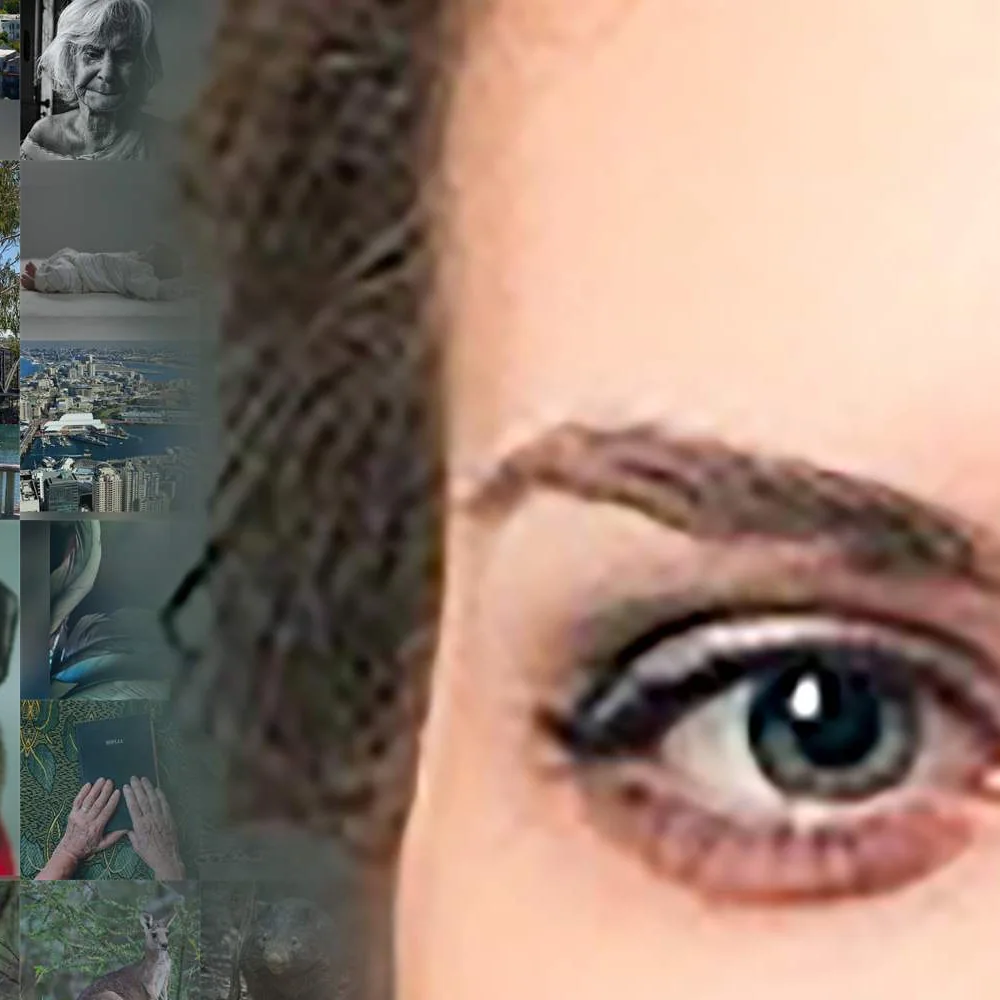
The face stays a clean photograph and the mosaic fills everything around it. If you want the person sharp above all else, this is the one.
Every photo the same size, no larger pieces. A denser, more even texture, with more spots to fill.
Every style you get is in the preview, and you pick after you've zoomed into each one.
For events and organizations we can put your mosaic online, on request, in the same viewer as at the top of this page. It gets its own web address: anyone with the link can zoom down to a single photo, click it to see it full size, leave a comment under it, give it a like. At a wedding, in a team or a graduating class, people can look for themselves, then for each other. Try it at the top ↑
It can live on your own site too. Take the layout, where every photo sits, as a JSON or XML file and build your own display around it: a wall of head shots where guests find their tiles, a screen in a lobby. Details: developers page.
To set one up, write to support@collager.ai with the date and roughly how many photos to expect.
Below is an assembly video: your mosaic putting itself together photo by photo, from the first tile to the finished picture, rendered in 4K at 60 frames per second. You watch every photo arrive, and it's built from the very mosaic you ordered.
You pick the music, the captions and which photos fly in large; the video page shows how it works. Free preview: ask us at support@collager.ai.
Some people call it "a collage that makes a picture", others "a picture made of pictures" or "a photo made of photos". It's the same thing: hundreds of small photos, arranged so that together they form one big one, every tile a real photo.
Run the magnifier over the picture below. Anywhere you stop, it's a real photo. The lens works across the whole picture, the fur as much as the face.
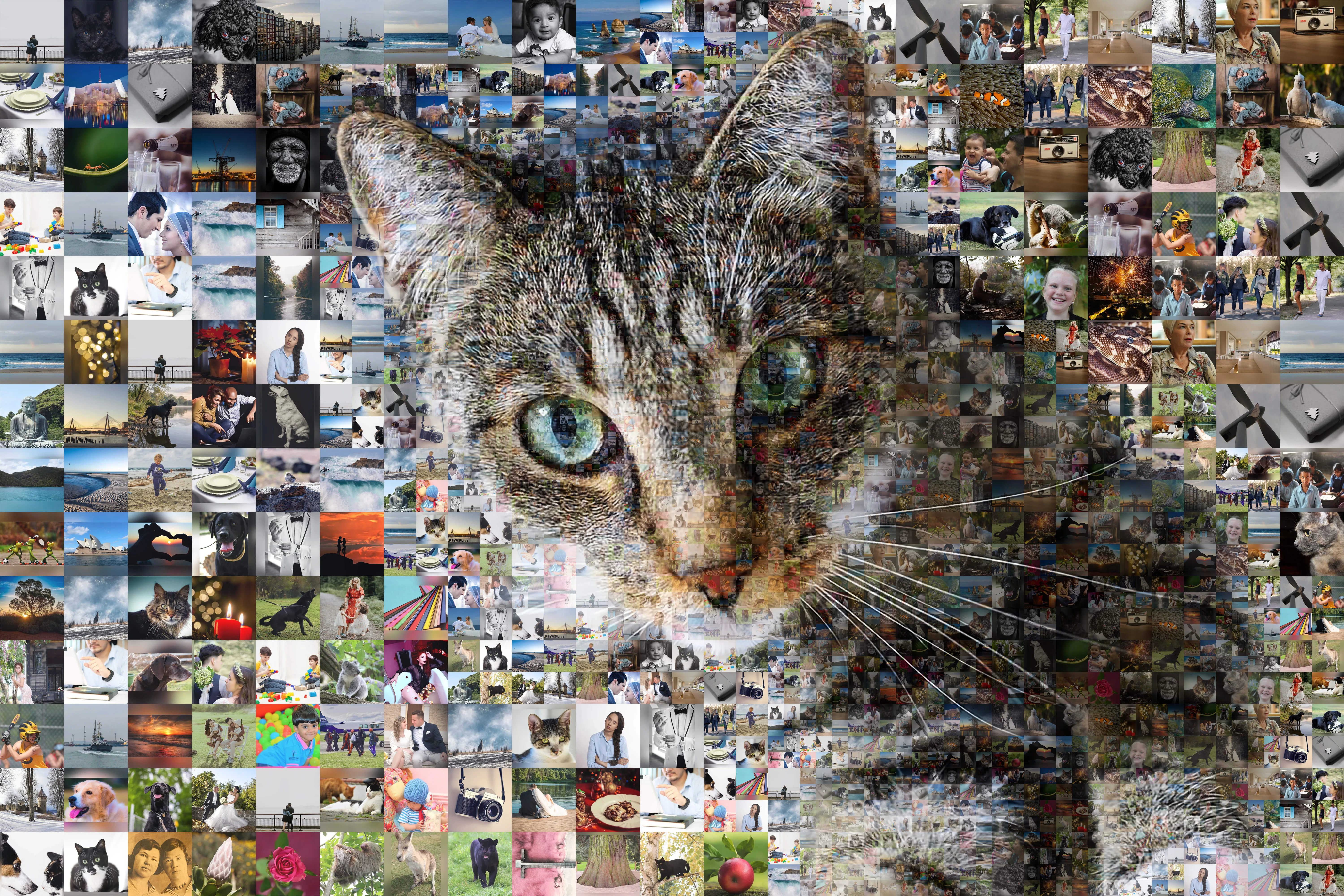
The HD file is yours to print anywhere. It's about 12,000 px on the long side, which at 300 dpi is about 40 inches (1 m) on the long side (a portrait comes out about 27 × 40 inches, or 68 × 102 cm), the same for every credit pack (credit packs). Need it larger? Write to us. Any print shop can take it; a home photo printer handles the smaller sizes.
One thing to settle before you upload: crop your main photo to the shape of the print you'll order, square or 3:2 or 4:3. The mosaic takes the shape of the main photo, and what you see in the preview is what gets printed, edge to edge. Otherwise something at the edge is lost: a hand, the end of a scarf.
The preview is about 5,000 px on the long side, fine for a screen. The HD file goes well beyond that; the slider below shows the difference. We can also print it for you: just ask.
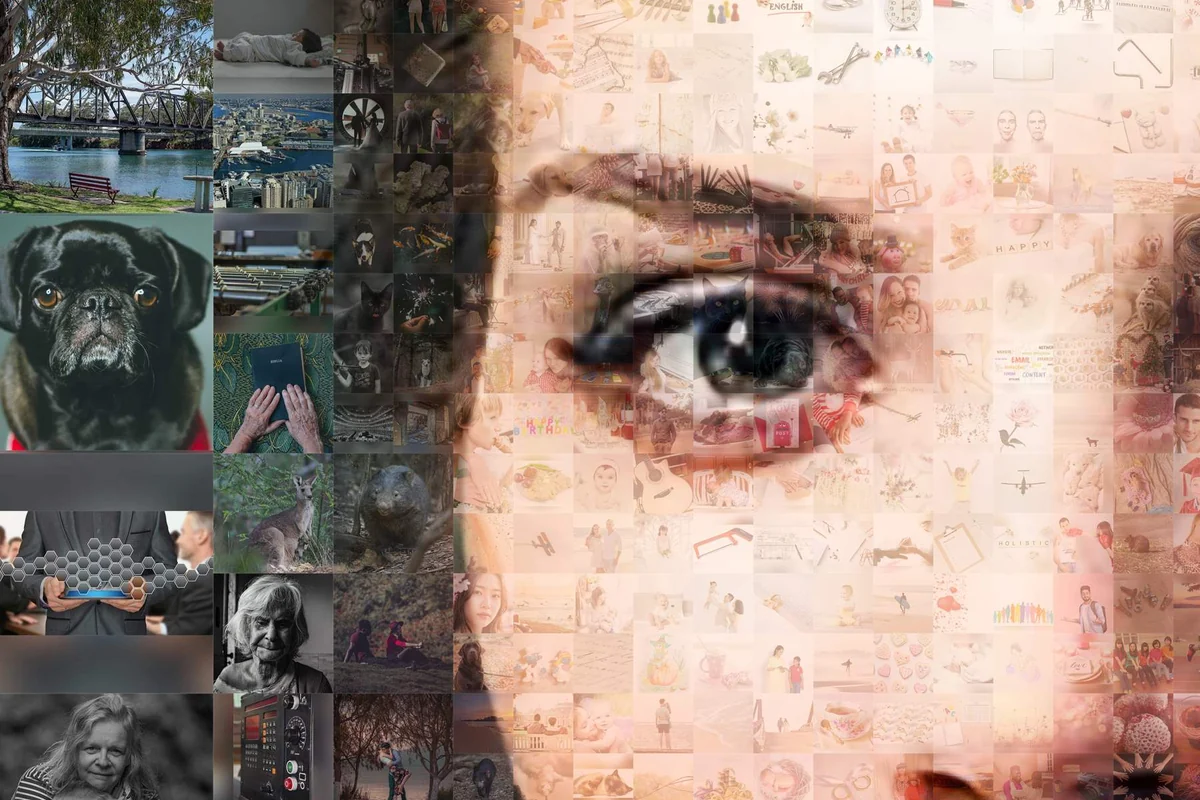
Build the same mosaic from Claude or your own code: API and MCP →
One large picture made of hundreds of small photos, arranged so that from a few steps back they blend into the big image and, close up, each one is still a photo you can recognize. The small photos are the tiles; the big image is the main photo they form.
A collage puts several photos next to each other, and you look at them one by one. A photo mosaic uses hundreds of photos to build one new image, a picture made of pictures: you see the whole first and the pieces second.
Pick a main photo, upload your photos, get the preview by email, download the HD file; the four steps are above. With an online photo mosaic generator like this one there's nothing to install, and the preview arrives by email in 10–30 minutes, up to 60 when it's busy.
At least 30; 50 works; from a few hundred the repeats fade and the tones come true. The trade-off is two out of three: few photos, no repeats, exact color, and you can have any two. Whatever you upload, no photo repeats until every one of yours has been used.
Yes. With 50 photos and far more spots than photos, every one of your photos is in the picture and most are used several times. The repeats are kept apart, and color adjustment keeps the face smooth. Fifty is a fine place to start.
300 px or more for each photo; 1,000 px or more for the main photo. Resolution matters most in the main photo, because its shapes and tones decide where every tile goes.
As tiles, yes. Small, soft, old phone photos and scans of prints work at tile size; nobody sees the blur in a photo the size of a thumbnail. Dark or washed-out sets lean on color adjustment. The main photo is the one that can't be low quality: keep it sharp and at least 1,000 px.
Upload more photos; that's the lever that matters. Beyond that, one thing happens on our side without your doing anything: every one of your photos is used once before any photo is used a second time, and repeats are kept away from each other. Near-identical shots you can thin out with one click on the upload page.
No, and usually they shouldn't be: larger tiles sit in the plain areas and smaller ones around the face, so the picture reads at a glance and rewards a close look. If you want the strict, even look, choose same-size tiles; the jaguar below is built that way.
The free preview is about 5,000 px on the long side, enough for a screen. The HD file is about 12,000 px on the long side (a portrait comes out 8,064 × 12,096 px), which at 300 dpi is about 27 × 40 inches (68 × 102 cm). If you need it larger, write to us. One credit is $9.95; packs of 5, 10 and 20 ($39.85, $67.75, $99.55) bring the price per download down. Credit packs
Download the HD file and take it to any print shop, on canvas, paper, metal or acrylic, or print at home for the smaller sizes. Crop the main photo to the print's shape before you upload so nothing is cut at the edge. Rather not deal with a print shop? Ask us.
No. This photo mosaic creator runs in your browser: uploading, previewing and downloading all happen online, on any computer or phone.
Make a photo mosaic — free preview
All you need is one clear main photo and a folder of your own photos. The preview lands in your inbox, usually 10–30 minutes after the upload.
Where to next: