
Faces stay whole.
It finds faces before it crops, so no one loses the top of their head. Missed one? Move that crop by hand.
See before and after
Hundreds of your photos become one picture — a face, a pet, a wedding, a team.
Built only from your photos — the AI sorts, crops and color-matches. It never draws.
Free preview with a watermark · HD download $9.95
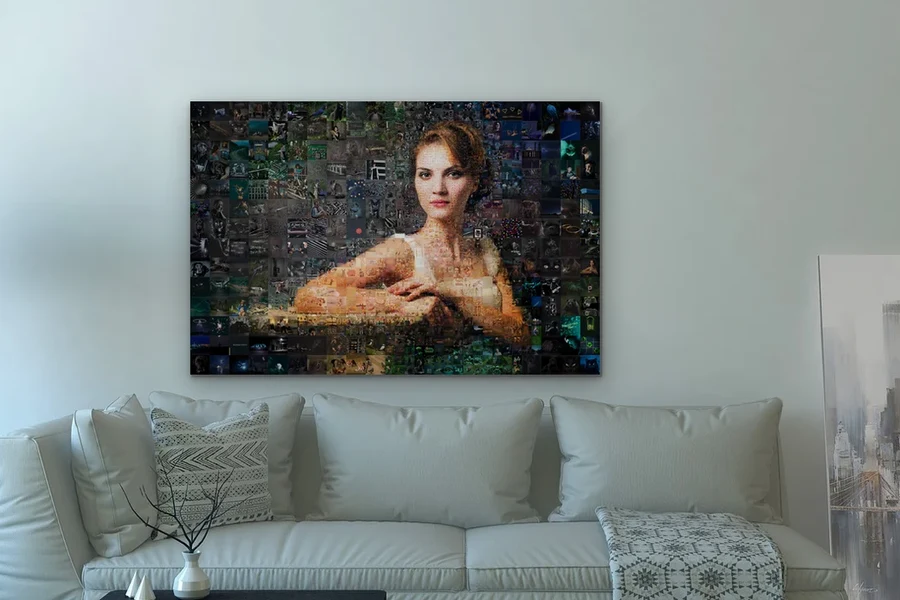
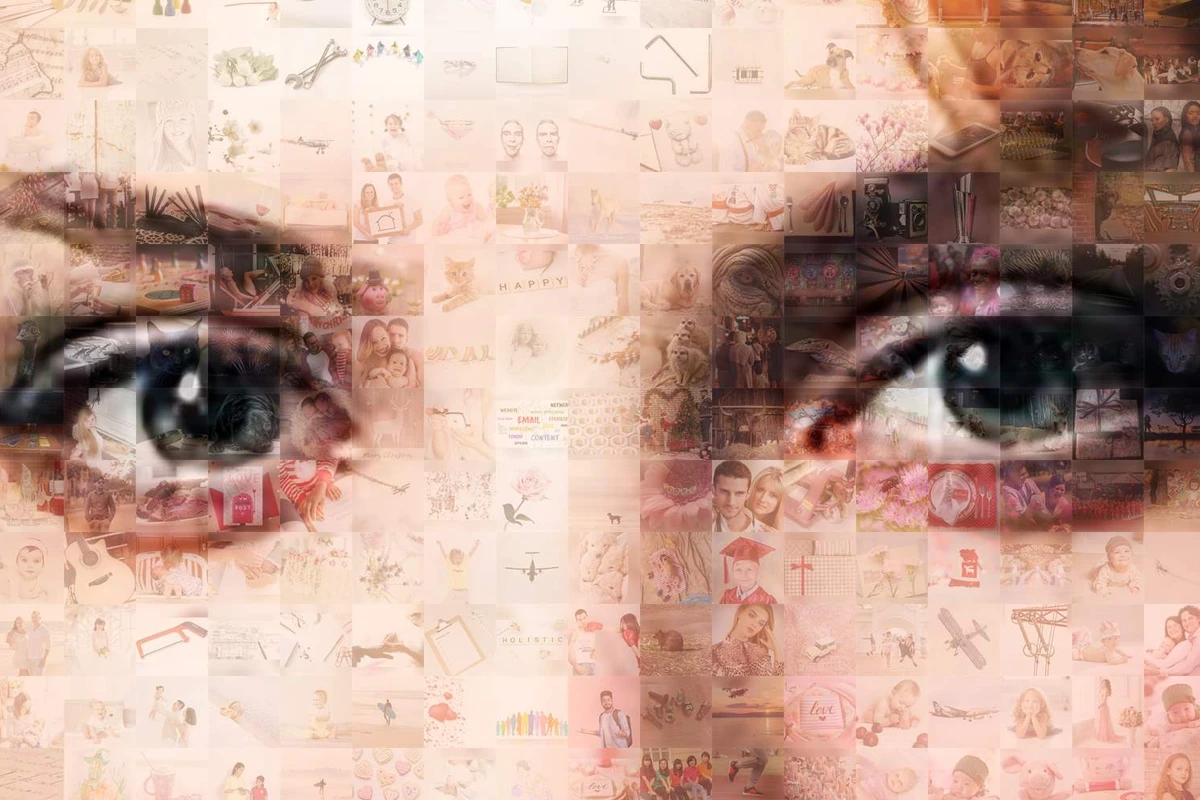
From across the room it's one picture. Zoom in: every small square is a photo.
A grid collage holds nine photos, maybe twenty. This one holds 4,218, every one of them different. How it works →
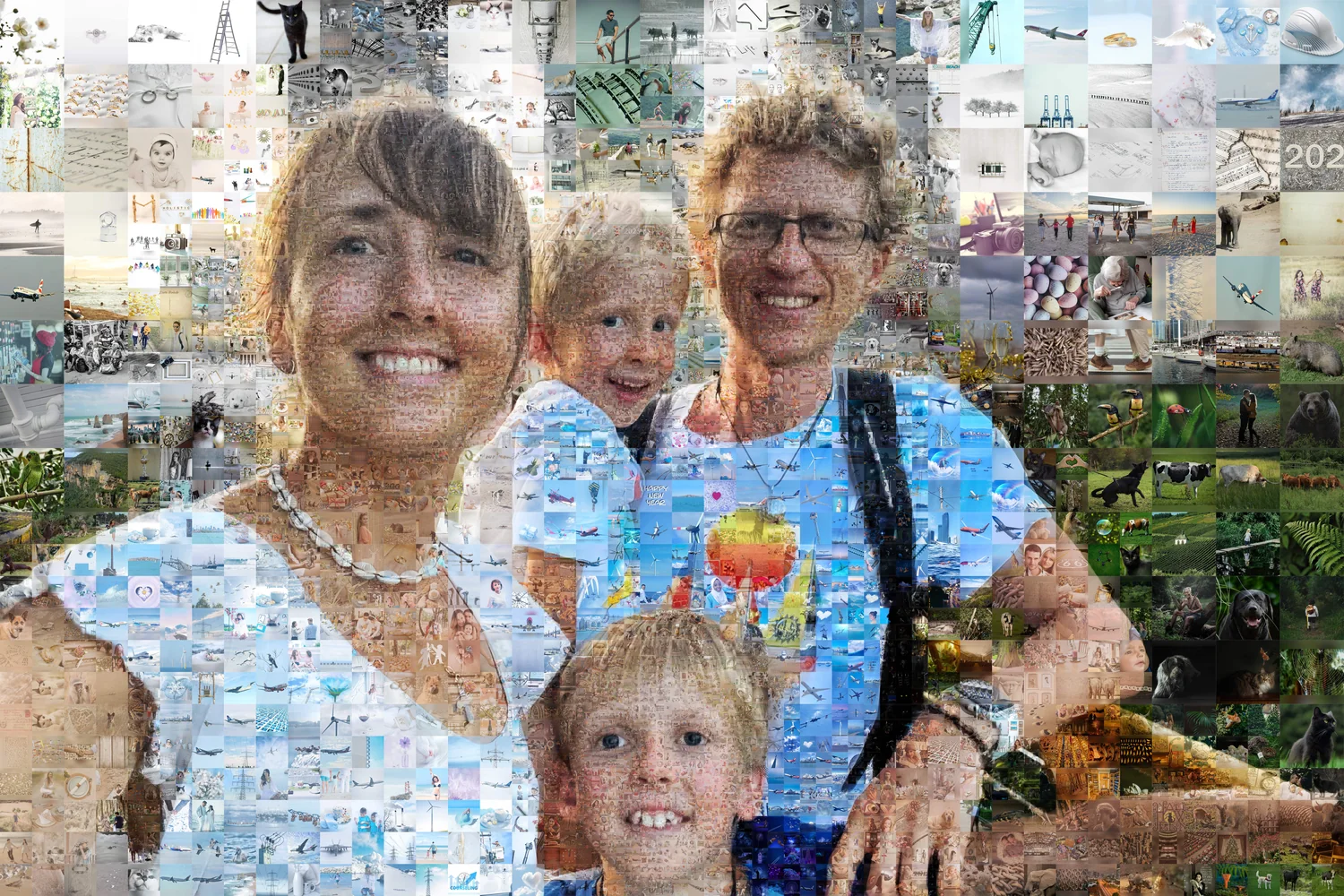
A demo built from our stock photo library: made of 4,218 photos, chosen from 16,271. With a few hundred photos of your own, expect some repeats (how many photos you need →). Click the picture to zoom in, then click any tile to open its photo.


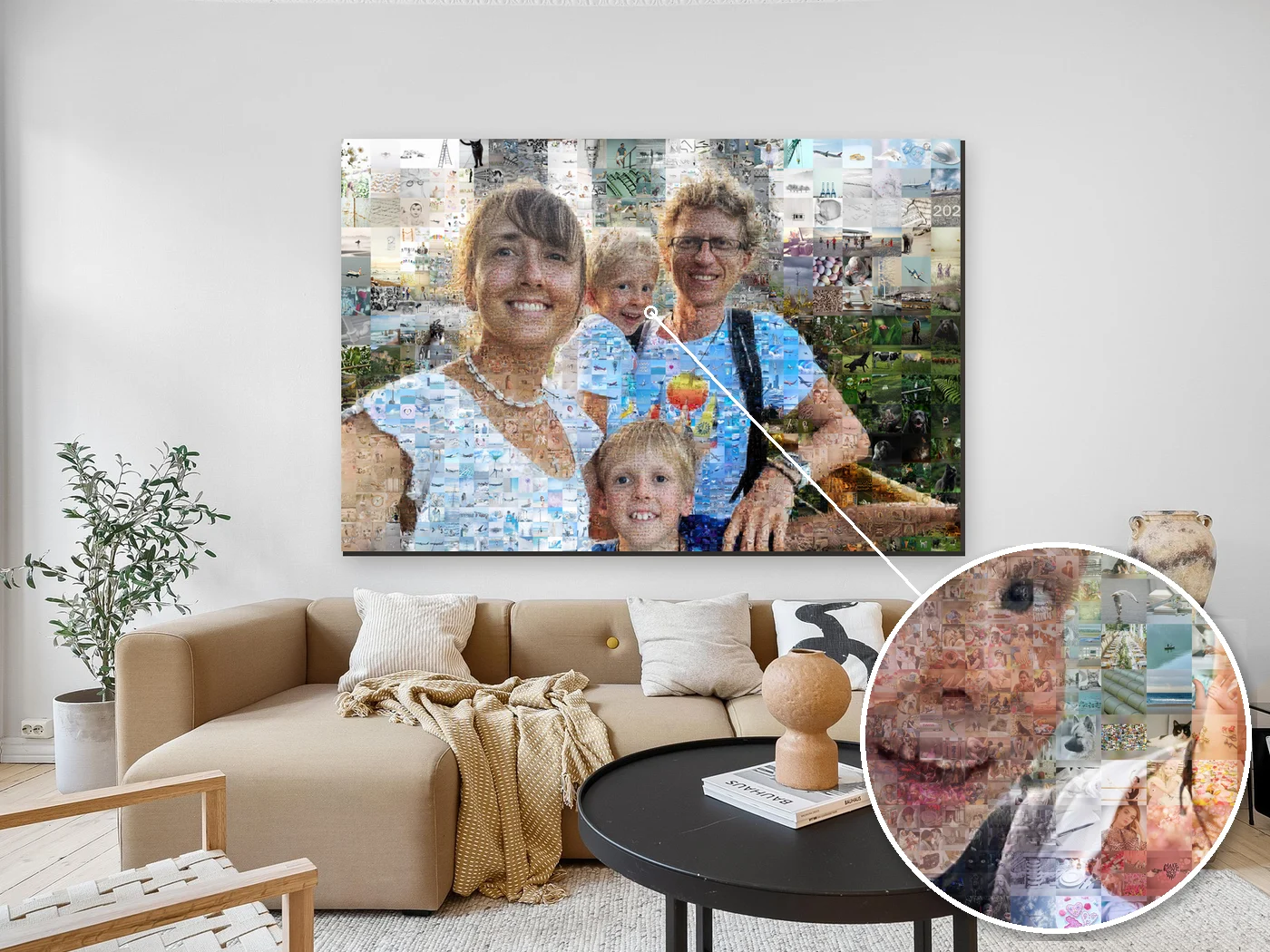
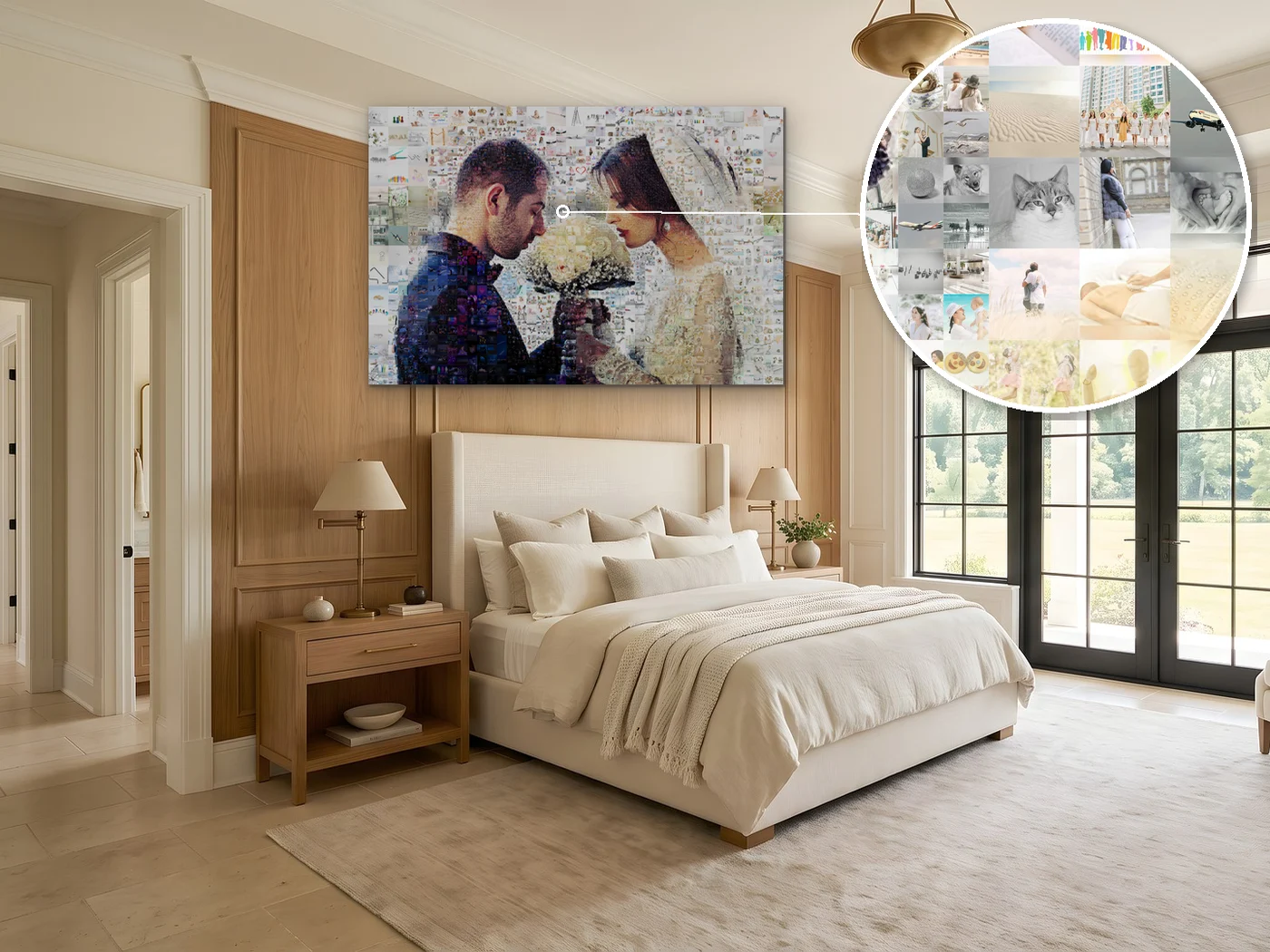
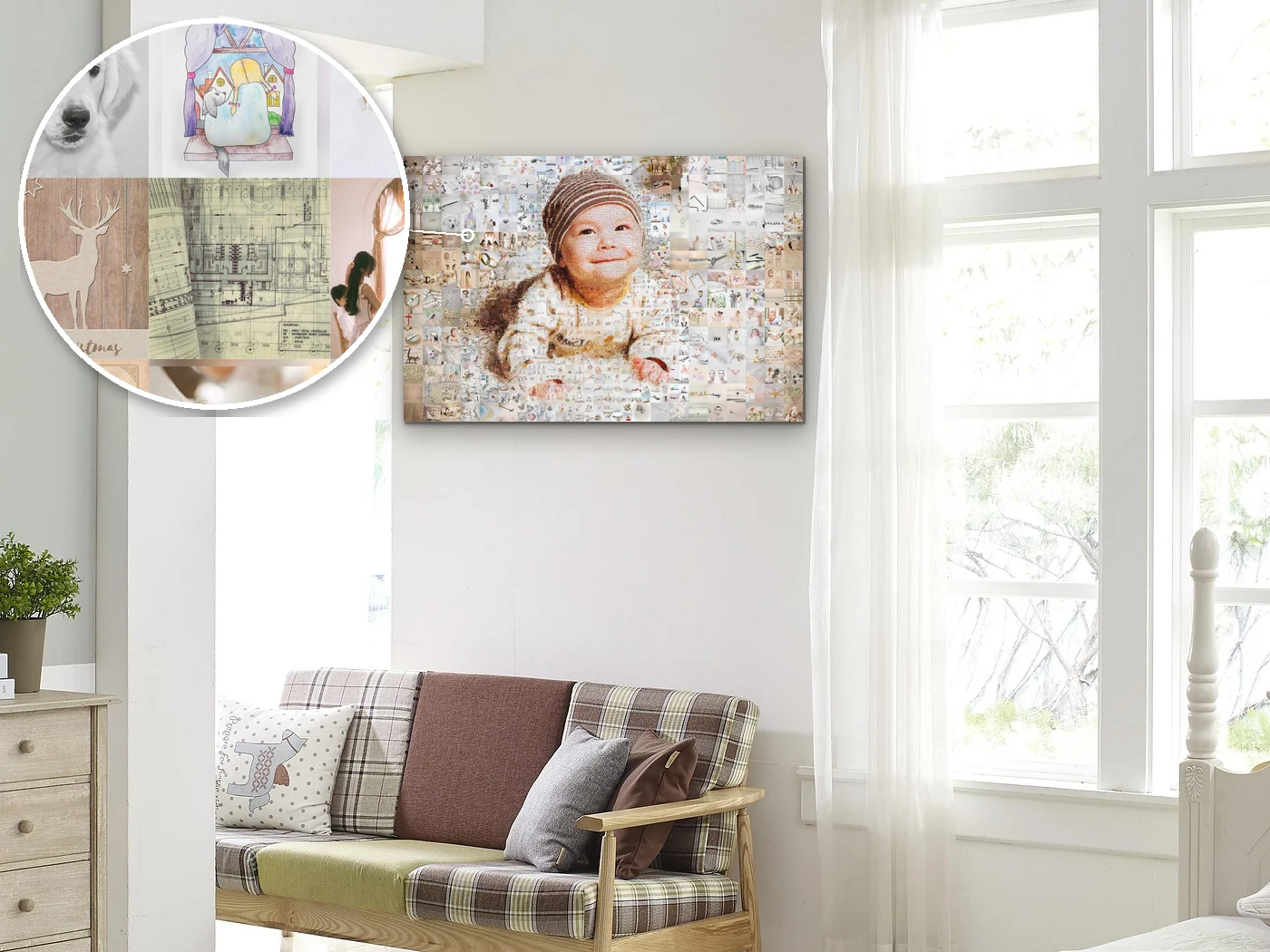
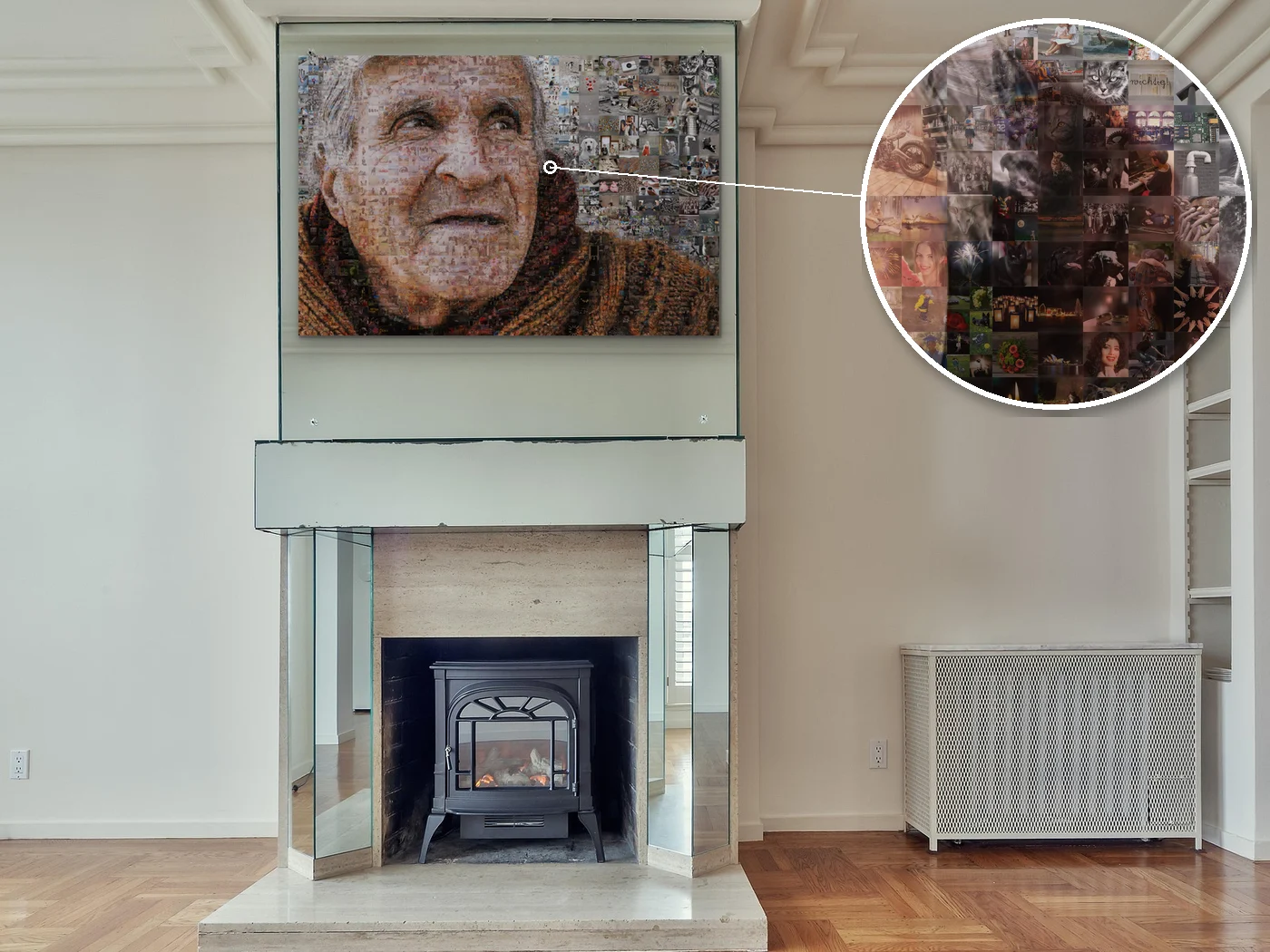
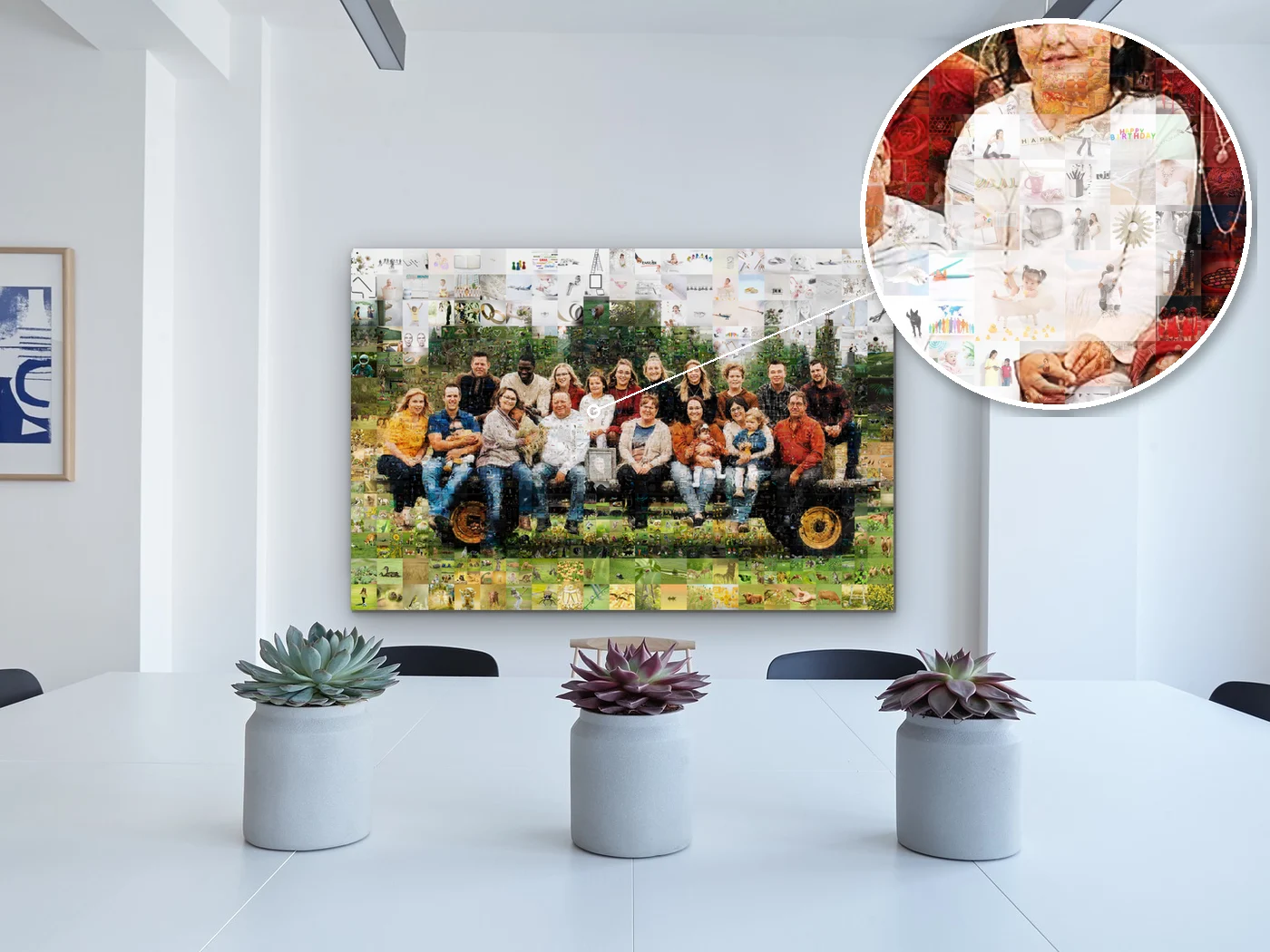
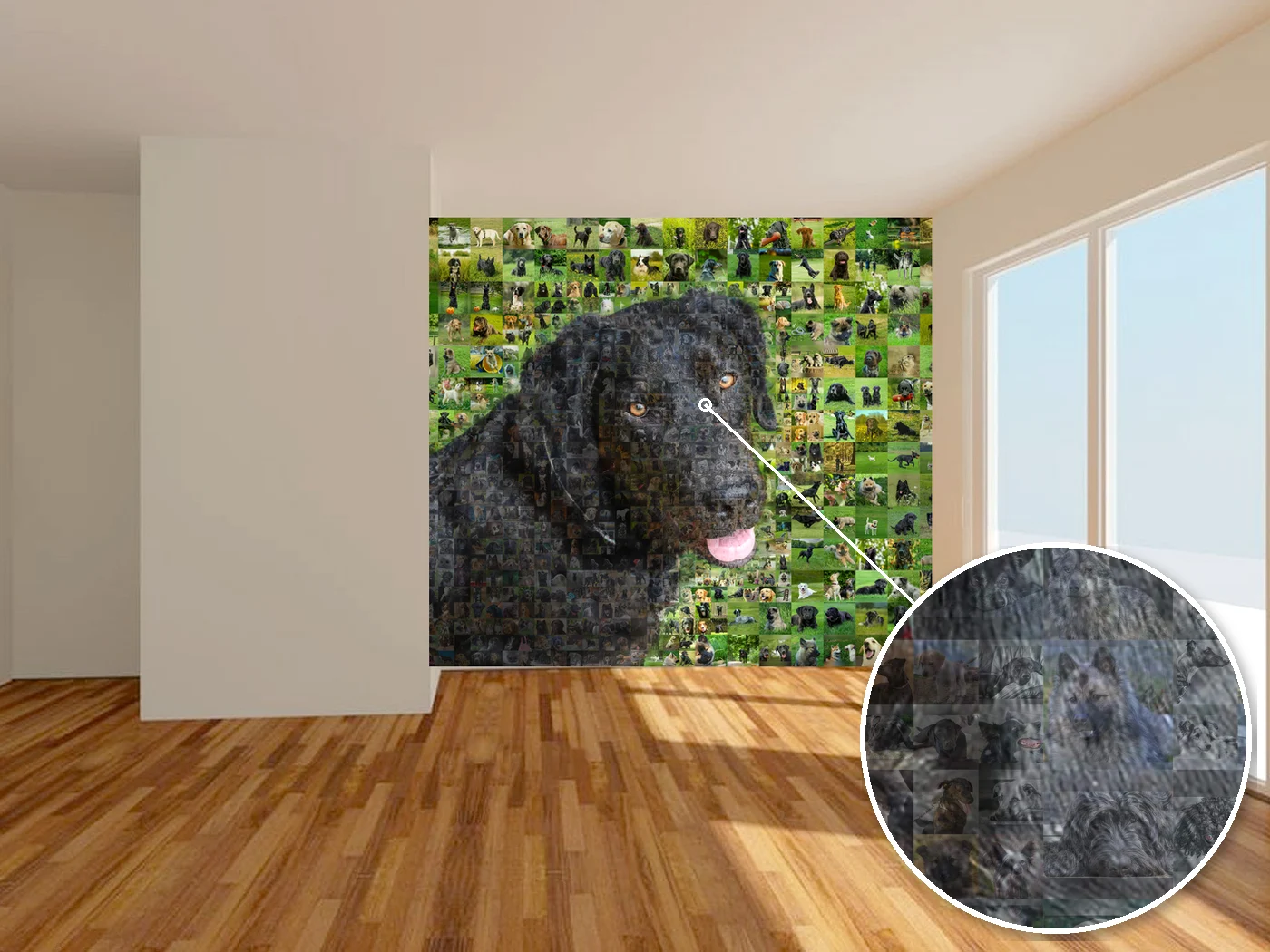
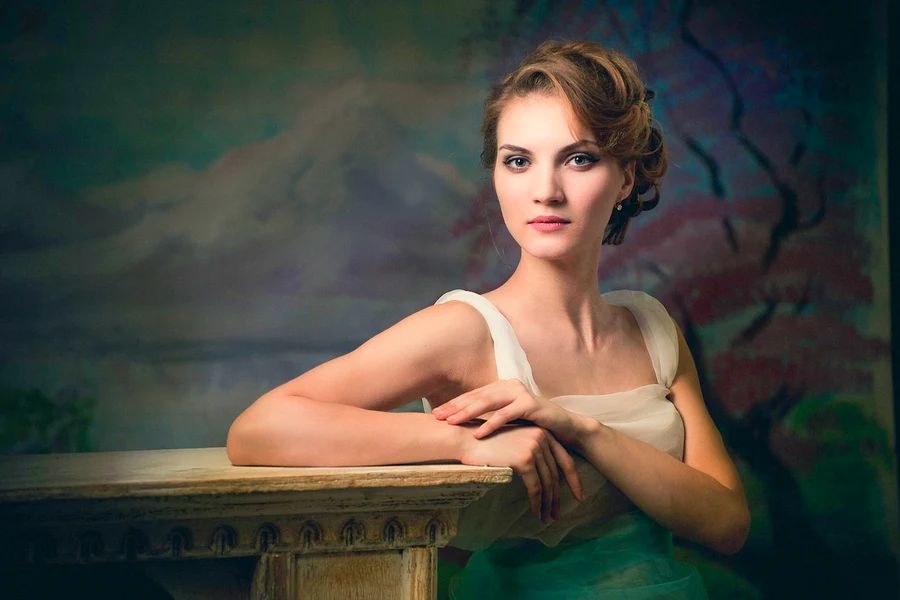
You'll need a free account, so we know where to send the preview. Nothing is charged until you download the HD file.
The AI here is a sorter, not an artist. It looks at each spot of your main photo and picks one of your photos whose colors fit. Nothing is generated: every piece is one of your photos. What it does on the way:
It finds faces before it crops, so no one loses the top of their head. Missed one? Move that crop by hand.
See before and after
Each photo lands where its own colors fit; a shade your set lacks gets a gentle tint.
With and without
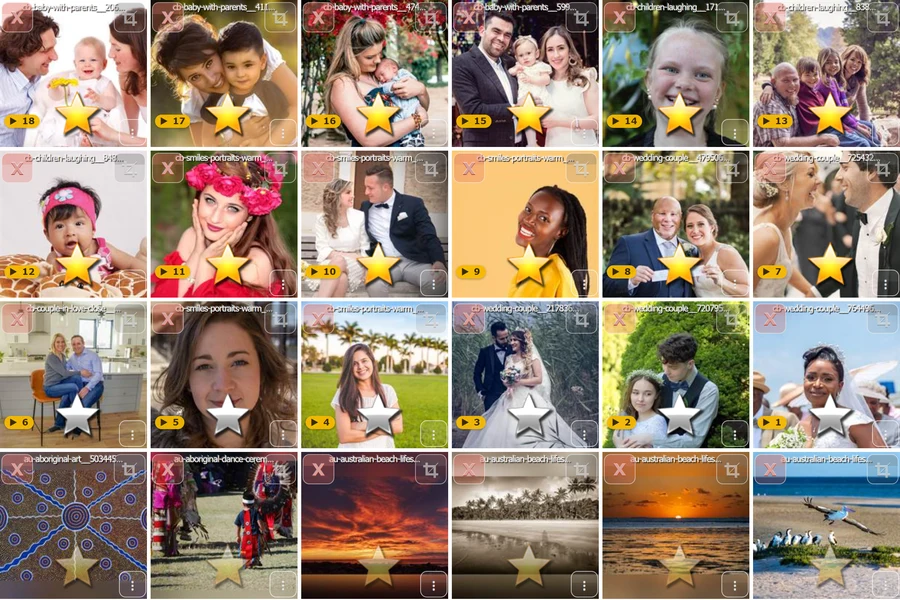
A gold star makes a photo bigger in the picture and puts it in first; silver, a little less. On the same page you can re-crop any photo or delete the ones you don't want.
How stars change the picture
Each photo goes in once before any appears twice. The usual shortcut, closest color first, used only 344 of the same 1,000 photos and repeated one of them 60 times. The colored frames mark its twins.
Ours, side by side


Classic, same-size tiles and, for many portraits, a clean face. All of them are in the free preview; pick after you've seen each one.
See the styles up closeYou don't pay to see the result. One-time payment, no subscription, and unused credits never expire.
The full picture, about 5,000 px, with a watermark. Every style included.
Make a collage for freeOne picture, about 12,000 px, no watermark, ready to print. Up to 25,000 px on request.
Ordering for a company, a school or a series of events? Larger volumes of credits come at a separate price. Write to business@collager.ai with roughly how many pictures you need.
Print it yourself or ask us. How big can you print it? →
A public art installation in Germany, the New York State Police and a university museum in Cambridge: pictures we built for real walls.


New York State Police The New York State Police emblem, made of the force's own photos, for an office of the force.


University Museum of Zoology, Cambridge A panel for the entrance hall of the University Museum of Zoology, Cambridge. Built from the researchers' own photos, sent to us as one big folder.


Planning something like this? business@collager.ai
The video below is a sample made from one of our demo mosaics. Order a video with your picture and you get the same film of yours: your photos fly in one by one and your picture takes shape. Your music (a catalog by occasion, or your own song), your words at the start and at the end, your favorite photos flying in large, in the order you choose. Rendered in 4K at 60 fps, ready for a screen at the party or a phone in a group chat.
A sample. Yours is built from your own picture, with your music and your words.
For events and organizations we can put your picture online, on request, in a viewer like the one below. It gets its own web address. Guests zoom down to any single photo, click it, leave a comment, give it a like. To set one up, write to support@collager.ai. More about the online viewer →

Ask Claude for a photo mosaic and it gives you a link to upload your photos here; ask for a heart- or number-shaped collage and it makes one right in the chat. The same engine is open to your own product: a REST API, an MCP server for any MCP-compatible assistant, and the layout of every picture as JSON or XML. API docs and MCP server →
collager.ai/mcpYour photo mosaic, built from the user's own photosWorks with the tools you already use
 Claude
 ChatGPTClaude Code
 Cursor
 Copilot
 Windsurf
 Cline
Cline n8n
n8n OpenRouter
 DeepSeek
 Kimi
Kimi Gemini
 Mistral
 LangChain
 Zapier
 Make
MakeAny tool that supports remote MCP servers works the same way. Product names and logos belong to their owners.
Listed in: Claude directory · MCP Registry · Smithery · mcp.so · For developers (API, MCP) →
A tool that puts many of your photos together into one picture. This one takes hundreds of them: the AI sorts, crops and color-matches your photos so that together they form one larger image. It never draws anything.
Ours looks at each spot of your main photo and picks one of your photos whose colors fit it. On the way it keeps faces in the frame, uses every photo once before any repeats, keeps repeats apart, and gives starred photos larger spots. Nothing is generated.
The preview is free; the HD download is $9.95. One credit is one download without the watermark. Packs: 5 for $39.85, 10 for $67.75, 20 for $99.55. See all packs →
Yes, for one credit. The free preview is the full picture at about 5,000 px with a watermark; the HD file has none.
Yes. The picture takes 10–30 minutes to build, and we email you the preview when it's ready. While you're working on a project, the account keeps your photos in one place, so you can come back, change the main photo or add photos, and build again.
Yes. The AI looks for faces before cropping and keeps them in the frame, and vertical and horizontal photos both fit. You can check the crops before the build and move any of them by hand.
At least 30. Most people upload between 30 and 1,000 photos, and you can add thousands. A few hundred is the sweet spot: enough choice for every spot in the picture, with fewer repeats.
Usually 10 to 30 minutes after you finish uploading, up to 60 at busy times. The preview arrives by email, so you don't have to keep the page open.
Your photos are used only to build your picture, and your assembly video if you order one. We don't train models on them, and nothing is generated from them. You can delete a project from your account yourself at any time. The details are in the privacy policy.
Yes. The HD file is made for printing, on canvas or anything else. Print it yourself or ask us. Sizes at 300 dpi →
A JPEG. The free preview is about 5,000 px across with a watermark; the HD download is about 12,000 px on the long side, up to 25,000 px on request. It's one flat image, ready for a printer or a screen.
Yes. For companies, schools and event organizers who need many pictures, credits come at a separate price. Write to business@collager.ai with roughly how many you need.
Your preview lands in your inbox, usually 10–30 minutes after the upload. You pay only if you want the HD file.